Web Client APA-Module Components
56 A29247-X2-X-8-7670
Differences of the PJM in the web and the PJM under windows
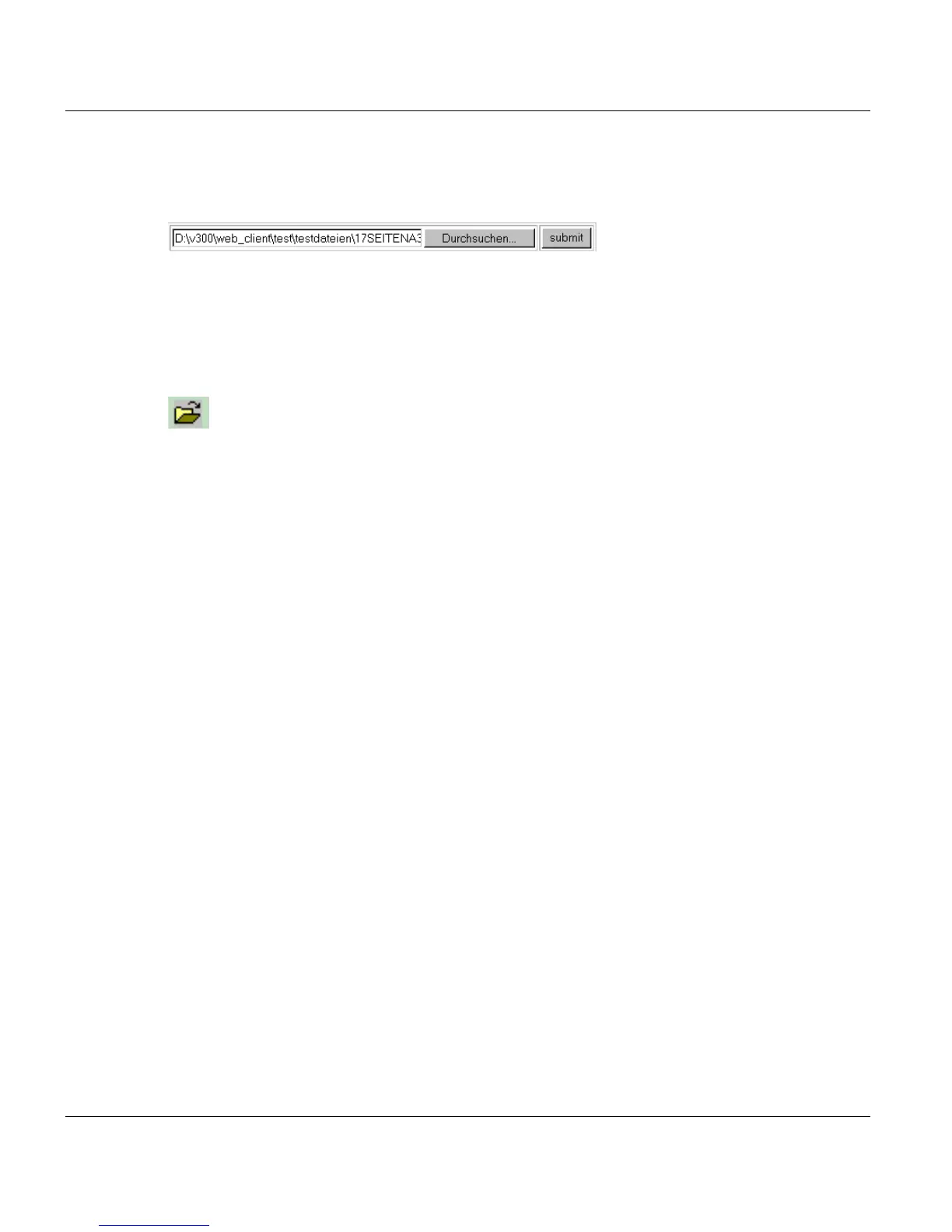
Fileselection via the upload function of the Web Client
Press ’Search/Durchsuchen’ to select a local file. If you click submit the file will be placed
in the list of files of the PJM. It is stored on the server in the $WEBFILES library.
It is also possible to select a ZIP archive. It is extracted and the single files are placed in the
file list of the PJM. Filenames which are not valid are changed automatically.
Fileselection via the Fileselection Box of the PJM
The selection of local files using this function is only possible if the rights of the 'java.policy'
allow the access of the local filesystem (which is not recommended). The file remains on
the local computer.
With this function you can access the public part of the virtual libraries (e.g. $TARGET).
Restrictions
Due to the different system there are some restrictions for the Web PJM compared with the
Linux PJM. Generally you have a limited access to the filesystem of the server. This has
the following consequences:
Only virtual directories are accessible ($OUTPUT, $TARGET,...)
Access to the helpsystem on the server is not possible.



 To Next Page