MFP Options
D062/D063/D065/D066 2-128 SM
2. Wait five minutes, and then press the "Other function" key. You will hear two beeps.
If the screen does not change, this means the installation is not finished yet. Wait a
few more minutes and then press the "Other function" key again.
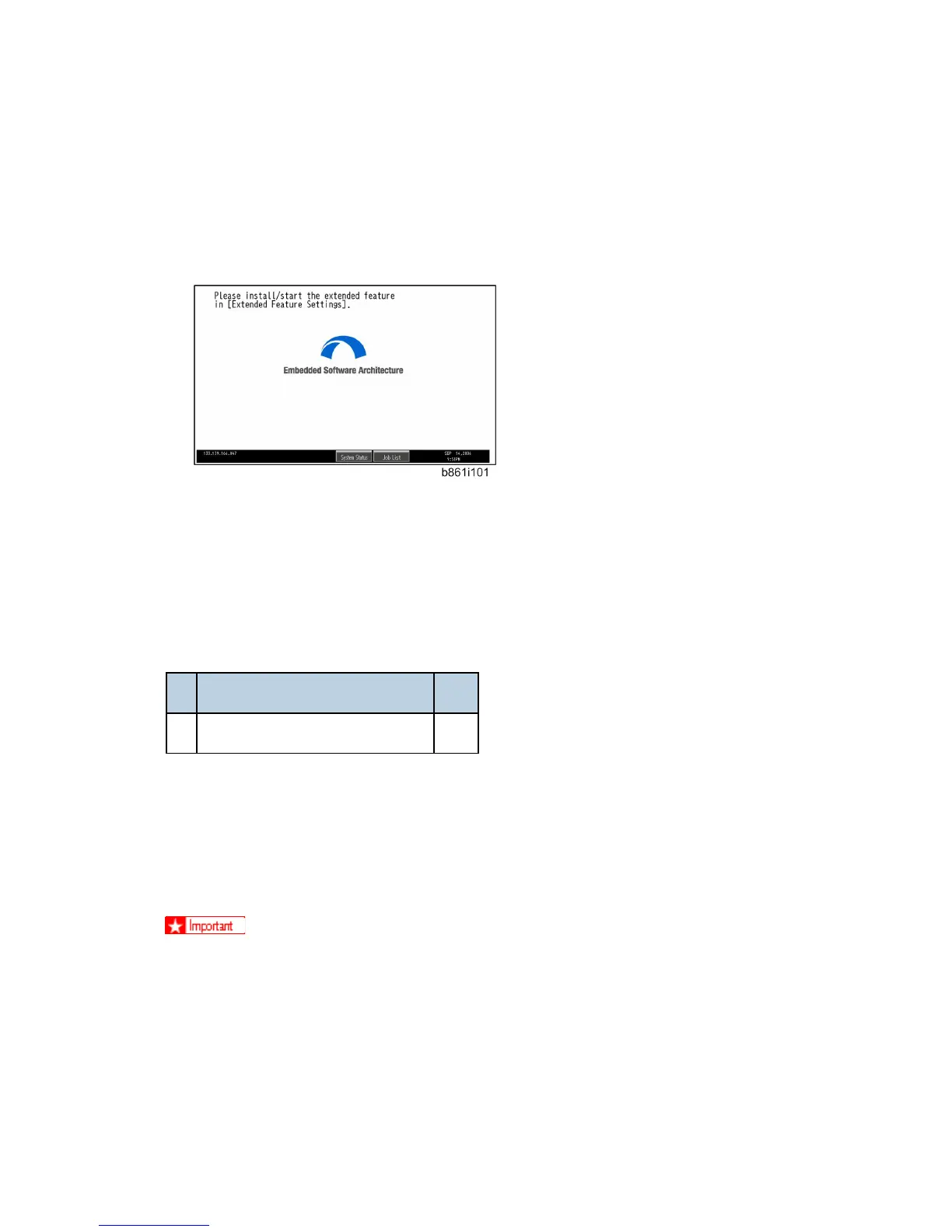
When the installation is finished, the following screen will appear.
3. Set the heap size and stack size for the application.
4. Install the application using the installation procedure provided with the application.
2.20.13 IEEE1284 (B679)
Accessories
Description Q'ty
1. IEEE 1284 Centronics Board 1
Only one PCI slot (A) is available for one of these options:
Centronics 1284
IEEE 801.11a/g, g (Wireless LAN) (D377)
Bluetooth Interface Unit (B826)
File Format Converter (D377)
If another card is installed in A, you must remove it before installing this card.
Rev. 06/15/2011



 To Next Page