MFP Options
D062/D063/D065/D066 2-110 SM
Storing Copied SD Cards
Copied SD cards cannot be used. However, they must be stored at the site to server as
proof of purchase by the customer.
Return copied SD cards to the customer for safekeeping, or tape the copied SD cards to
the inside of the front door.
Do not remove copied SD cards from the machine site.
2.20.3 PRINTER SCANNER UNIT (D462)
Accessories
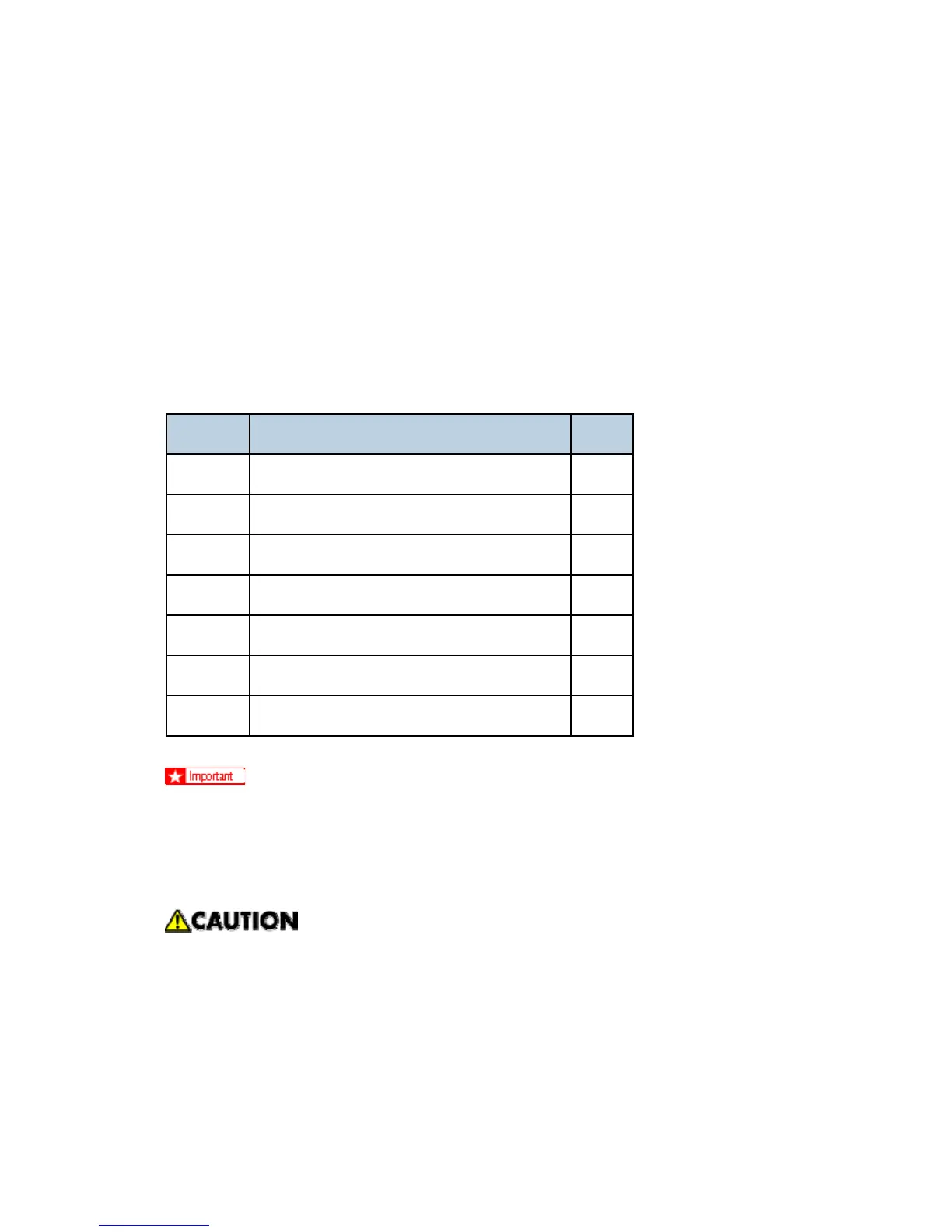
No. Description Q'ty
1. Caution Decal 1
2. Printer/Scanner SD Card 1
3. Printer Keytops (English/Symbol) 2
4. Scanner Keytops (English/Symbol) 2
5. EULA Sheet 1
6. FCC Decal 1
7. Memory DIMM 1GB 1
Only one Slot 1 is available for applications on SD cards. If more than one
application is will be used, the applications must be moved onto one SD card with
SP5873 -1.
Installation
Make sure that the main machine is switched off and that its power cord is
disconnected before doing the following procedure.
Rev. 08/03/2009



 To Next Page