Copy Image Adjustments: Printing/Scanning
SM 4-137 D062/D063/D065/D066
Replacement
and
Adjustment
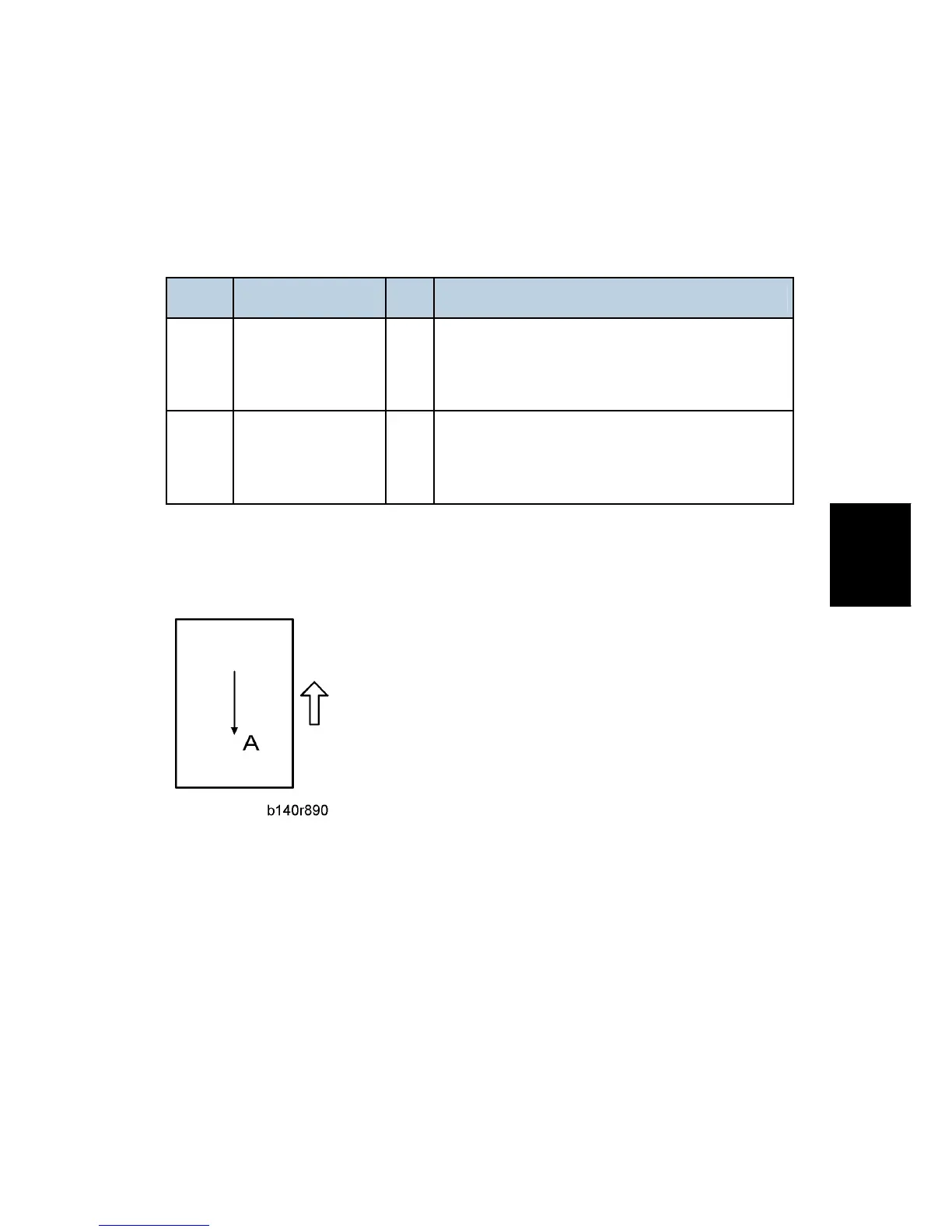
1. Place the test chart on the exposure glass and make a copy from one of the feed
stations.
2. Check the leading edge and side-to-side registration, and adjust them with the
following SP modes if necessary.
SP No. Name Initial Comment
SP4010
Scanner Leading
Edge Registration
0
A positive value shifts the image away from the
leading edge, a negative value shifts it toward the
leading edge.
SP4011
Scanner
Side-to-Side
Registration
0
A positive value shifts the image toward the right
edge, a negative value shifts it toward the left edge.
Magnification
Use an S-5-S test chart to perform the following adjustment.
Main Scan Magnification
1. Place the test chart on the exposure glass and make a copy from one of the feed
stations.
2. Check magnification, and then SP2909-001 (Main Scan Magnification - Copy) to adjust
magnification if required. Specification: ±2%.
Sub Scan Magnification
1. Place the test chart on the exposure glass and make a copy from one of the feed
stations.
2. Check the magnification ratio. Use SP4008 (Scanner Sub Scan Magnification) to
adjust if necessary. Specification: ±0.9%.



 To Next Page