Drum Unit
SM 4-41 D062/D063/D065/D066
Replacement
and
Adjustment
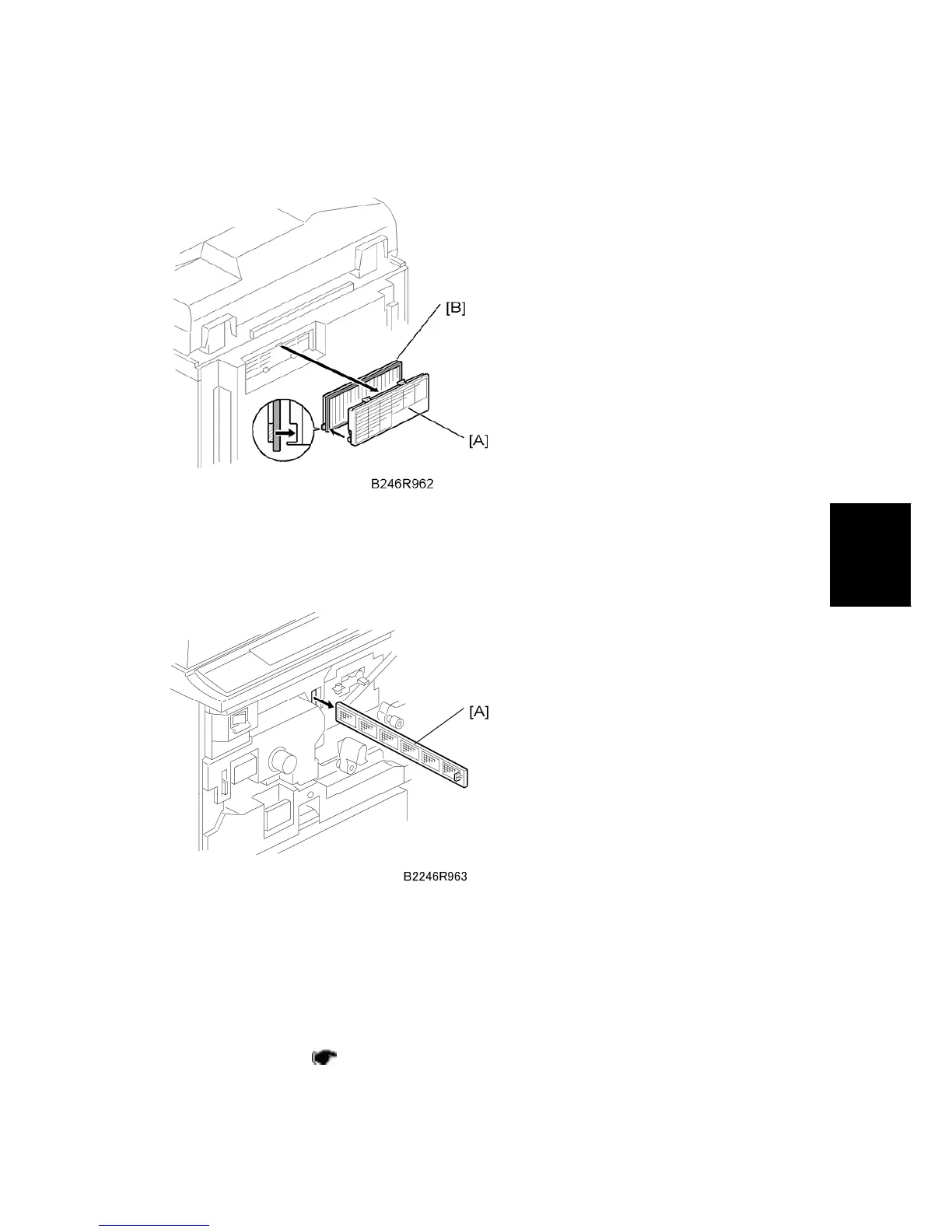
4.6.18 OPTICS DUST FILTER
1. Filter cover [A]
2. Optics dust filter [B]
4.6.19 INTERNAL DUST FILTER
1. Open the front door.
2. Pull the toner bottle holder out and swing the toner bottle holder to the right.
3. Remove the PCU inner cover.
4. Pull out the internal dust filter [A].
4.6.20 TONER COOLING FAN
1. Operation panel ( p.4-6)



 To Next Page