Operation Panel and External Covers
D062/D063/D065/D066 4-6 SM
4.3 OPERATION PANEL AND EXTERNAL COVERS
4.3.1 OPERATION PANEL
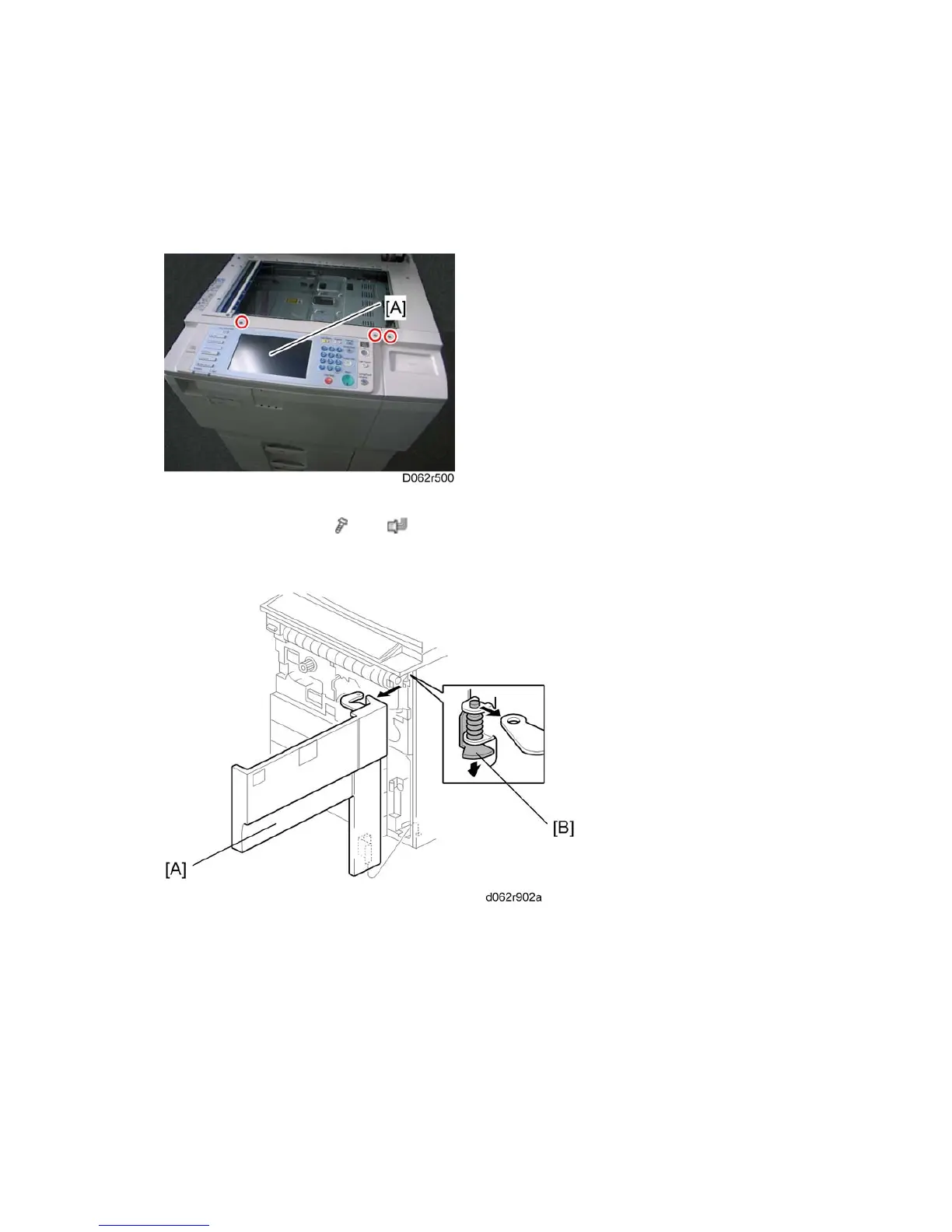
1. Open the ADF.
2. Operation panel [A] (
x 3, x 1, ground cable x 1)
4.3.2 FRONT DOOR
While supporting the front door [A] with one hand, press down on the hinge bracket [B] then
raise the door slightly to remove it.



 To Next Page