Jogger Unit (B513)
D062/D063/D065/D066 2-54 SM
2.9 JOGGER UNIT (B513)
The Jogger Unit B531 can be installed only on the 3000-Sheet Finisher B706.
2.9.1 ACCESSORY CHECK
Check the accessories and their quantities against this list:
Description Q’ty
1. Jogger Unit B513 1
2. Tapping Screws - M3 x 6 2
3. Installation Procedure 1
2.9.2 INSTALLATION PROCEDURE
1. Turn the main machine switch off and disconnect the finisher from the main frame.
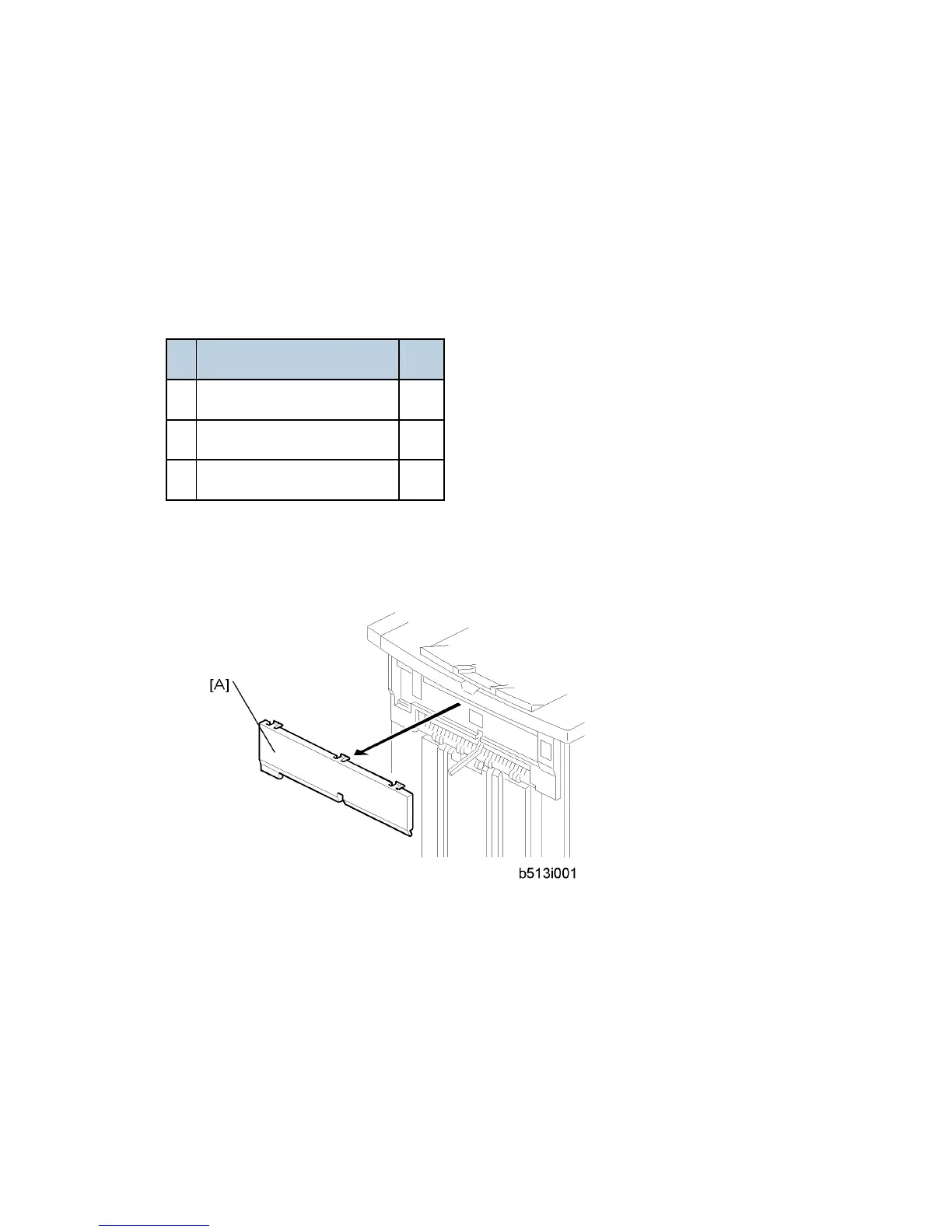
2. Use the flat head of a screwdriver to remove the left upper cover [A] from the finisher
and discard it.



 To Next Page