LG/B4 Feeder Kit (B474)
SM 2-31 D062/D063/D065/D066
Installation
2.5.2 INSTALLATION PROCEDURE
If the LCT is connected to the machine
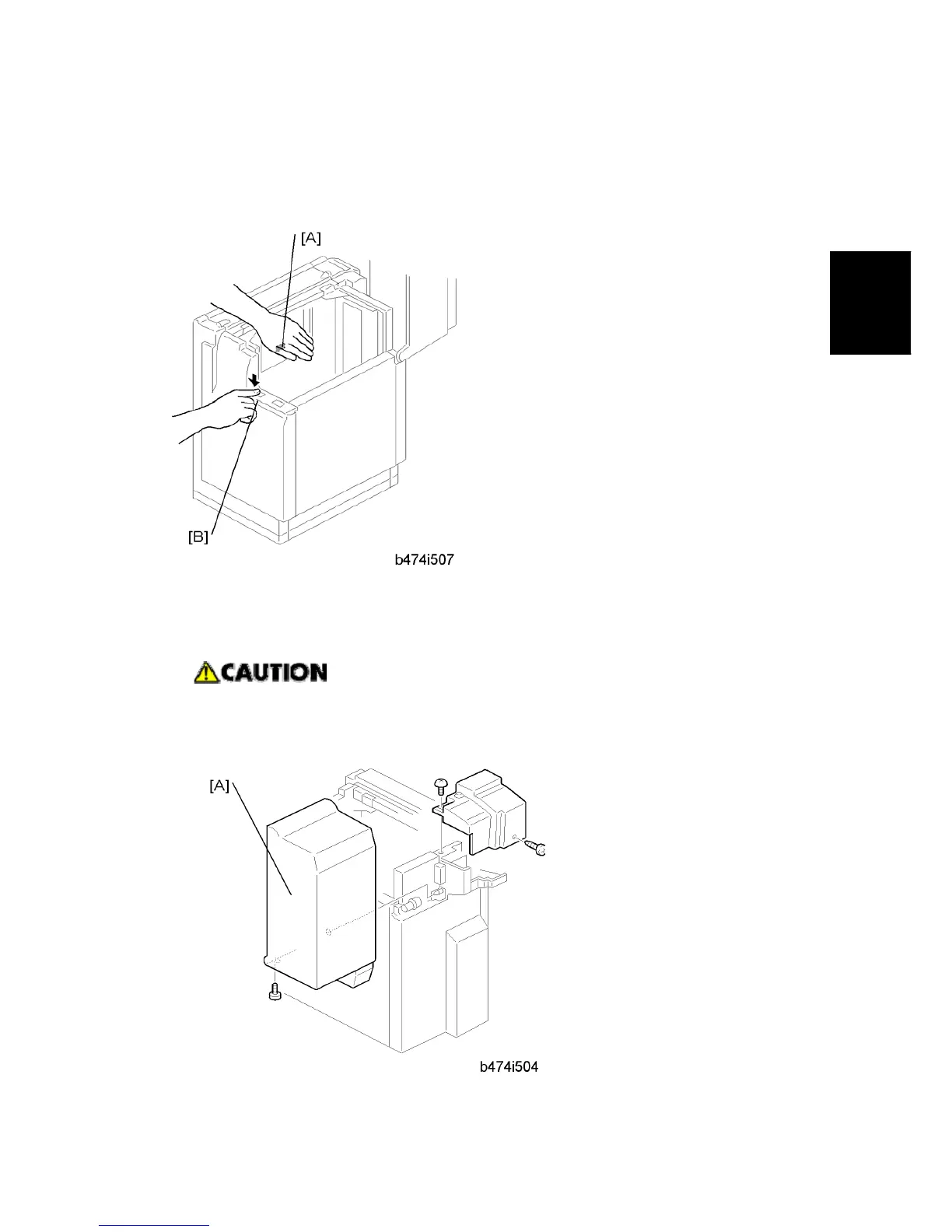
1. Open the cover and remove the paper.
2. Lower the LCT tray. Cover the near end sensor [A], then press the tray down button [B]
to lower the tray bottom plate.
Switch the machine off and unplug the machine before starting the following
procedure.
3. Disconnect the LCT from the machine.
4. Remove the LCT upper cover [A].



 To Next Page