MFP Options
D062/D063/D065/D066 2-112 SM
8. Plug in the power cable and turn the main power switch on.
9. Change SP5985 -1 and -2 from "0" to "1".
10. Turn the main power switch off and on.
11. Follow the procedures in the Operation Instructions to complete the installation for the
printer/scanner option.
2.20.4 POSTSCRIPT3 UNIT (D462-20/22/23)
Accessories
Description Q'ty
1. PostScript3 Emulation SD Card 1
2. Decal 1
Only Slot 1 is available for applications on SD cards. If more than one application
will be used, the applications must be merged onto one SD card with SP5873 -1.
Installation
1. Switch the machine off.
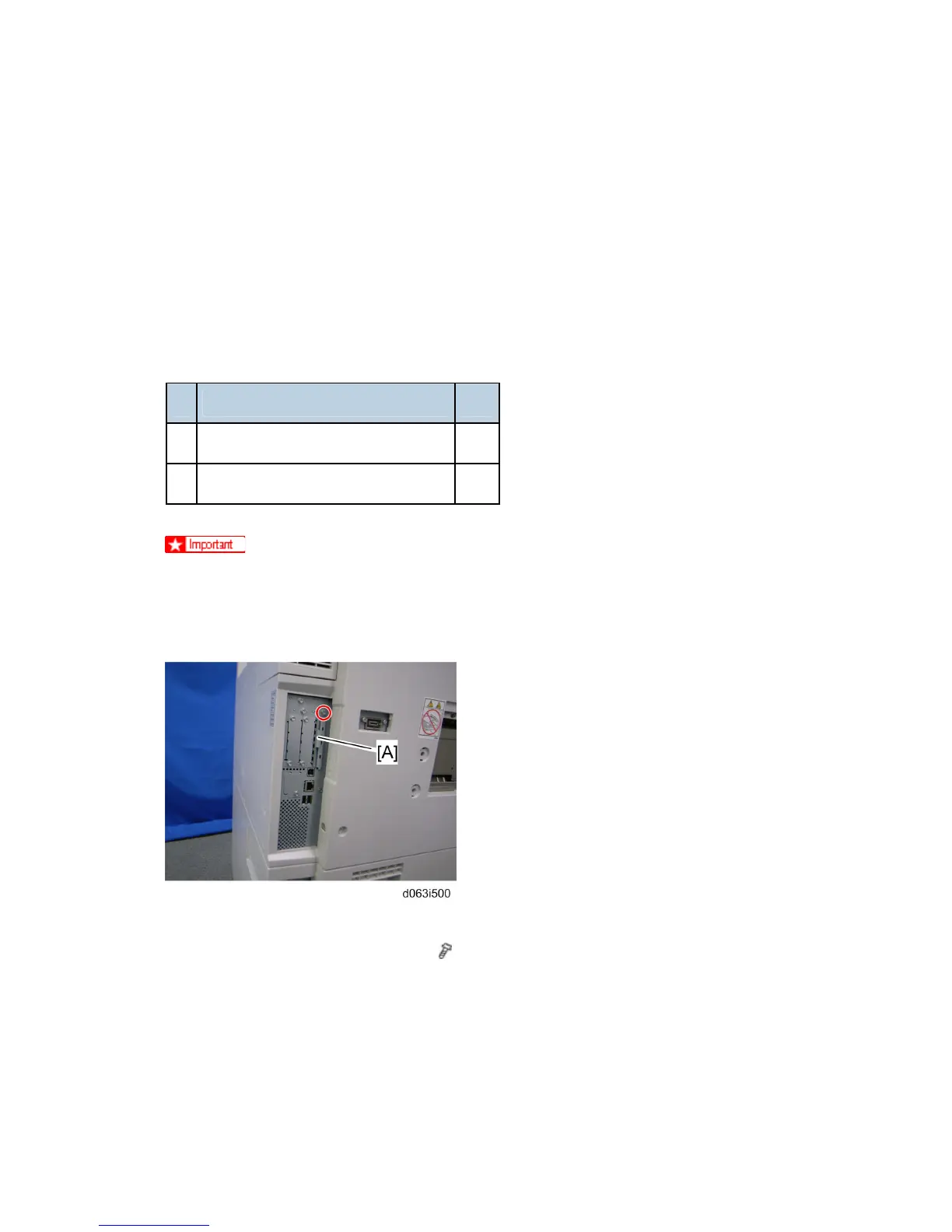
2. Remove the SD card slot cover [A] (
x 1).
3. Insert the PS3 SD Card [B] into Slot 1.
4. Switch the machine on.
Rev. 08/03/2009



 To Next Page