Main Machine
SM 2-11 D062/D063/D065/D066
Installation
11. Lower the transfer unit by turning its knob [A].
12. Remove the bracket [B], and the red tag from the transfer belt (
x 1).
13. Remove the pin [C], and the red tag from the cleaning plate.
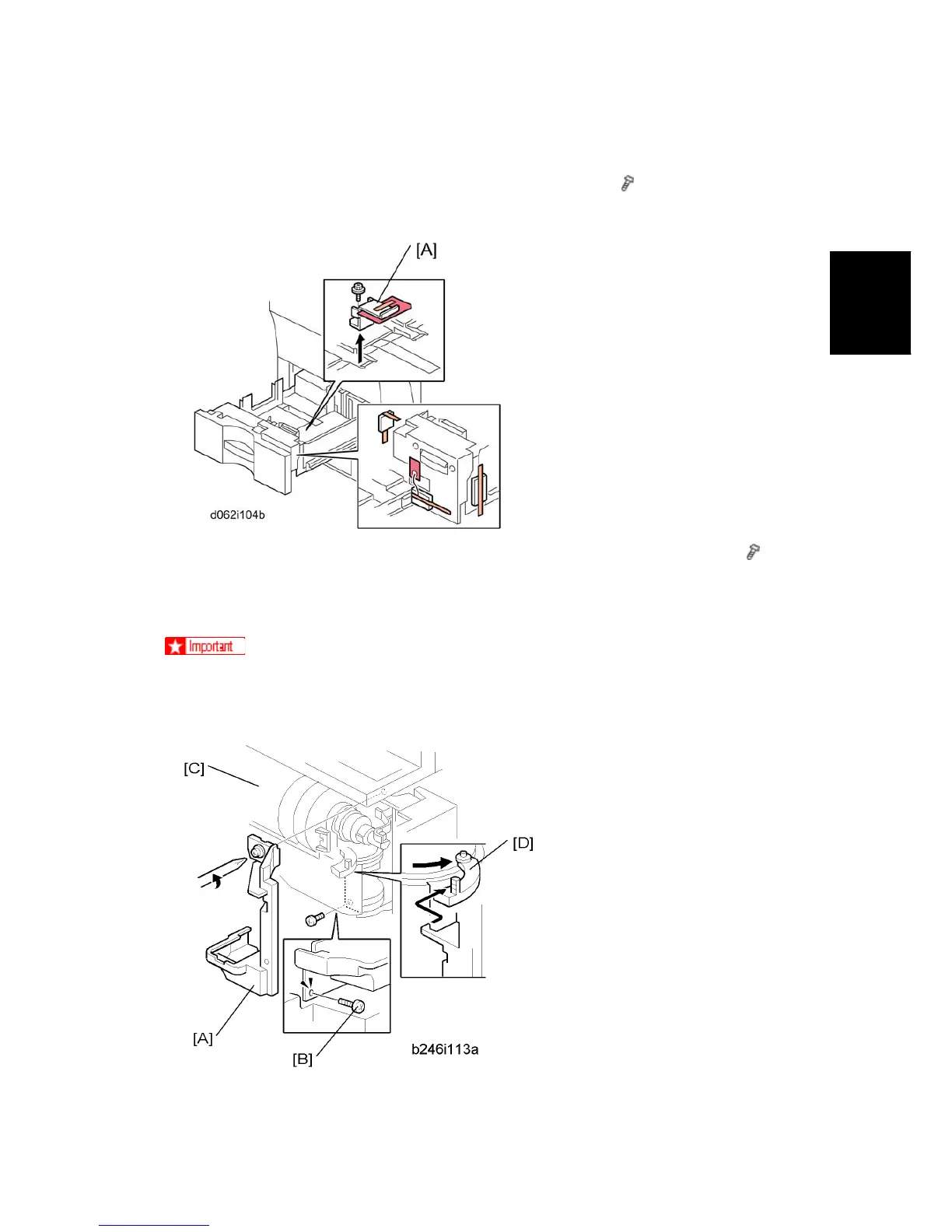
14. Open the tandem tray (top paper tray) and remove the metal retainer bracket [A] ( x
1) and wire, then the red tags (x2) and all tape.
Removing and Filling the Development Unit
Before you begin, remove the toner bottle if it is installed.
The toner bottle holder can be damaged if it is in the machine when you do the
procedure below.
1. Open the front door.



 To Next Page