Main Machine
D062/D063/D065/D066 2-20 SM
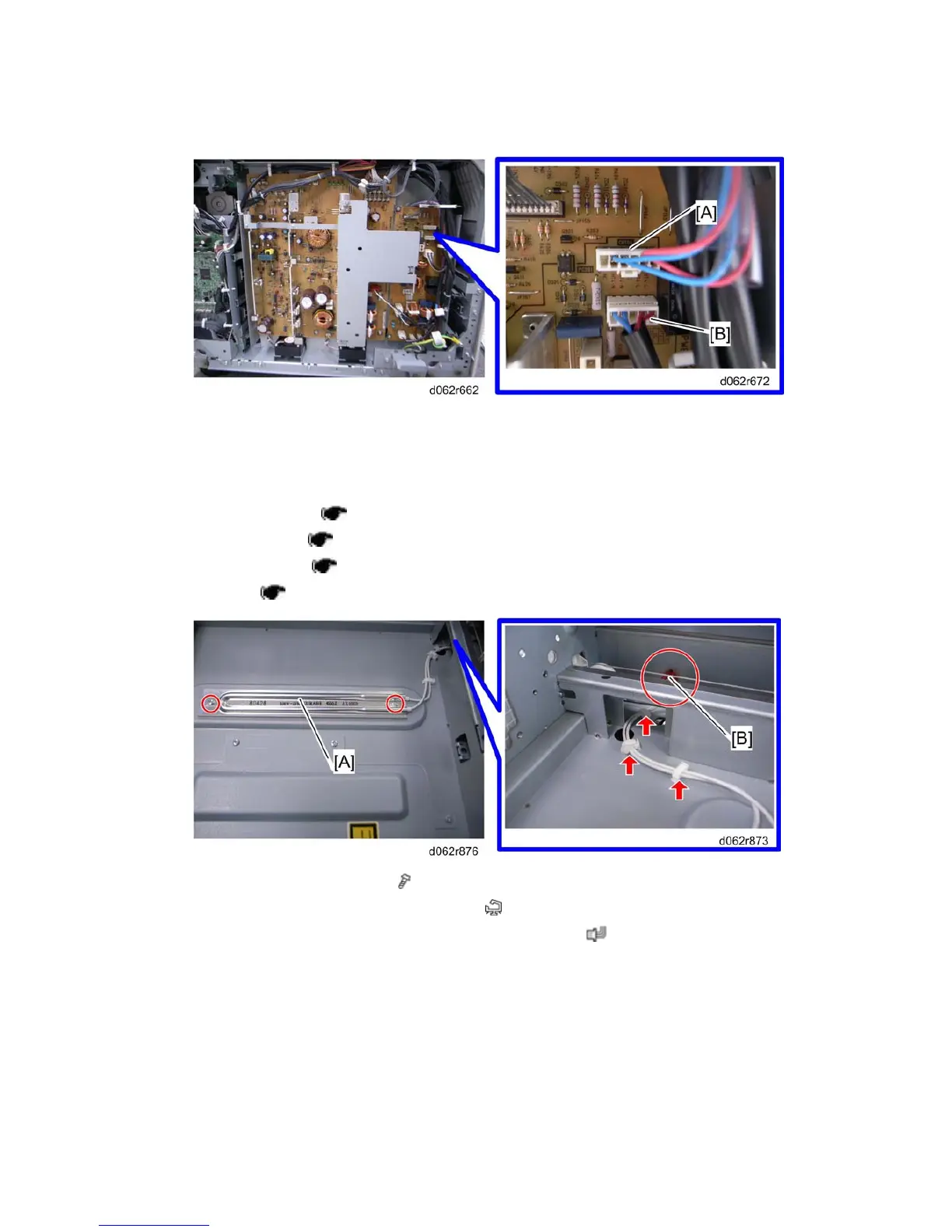
2. Connect the tray heater connector to the CN104 connector [A].
3. Connect the drum heater connector to the CN103 connector [B].
Installing the Scanner Heater
1. Rear upper cover ( p.4-8)
2. Exposure glass (
p.4-11)
3. Operation panel (
p.4-6)
4. Left stay (
p.4-17 "Scanner Wire Replacement").
5. Install the scanner heater [A] ( x 2)
6. Fasten the cable with the harness clamps (
x 3).
7. Fasten the connector [B] on the rear side of the machine (
x 1).



 To Next Page