Drum Unit
D062/D063/D065/D066 4-38 SM
2. After replacing the sensor, do the following SPs:
SP2962 (Adjustment of Drum Conditions), only if SP3901 (Auto Process Control)
is on.
SP3001-002 (ID Sensor Initialization Setting).
4.6.14 DRUM MOTOR
Remove:
Rear covers ( p.4-8)
Controller/IPU panel (
x 2) (not shown). The panel swings open like a door. You do
not need to remove it.
Flywheel (
x 3) (not shown)
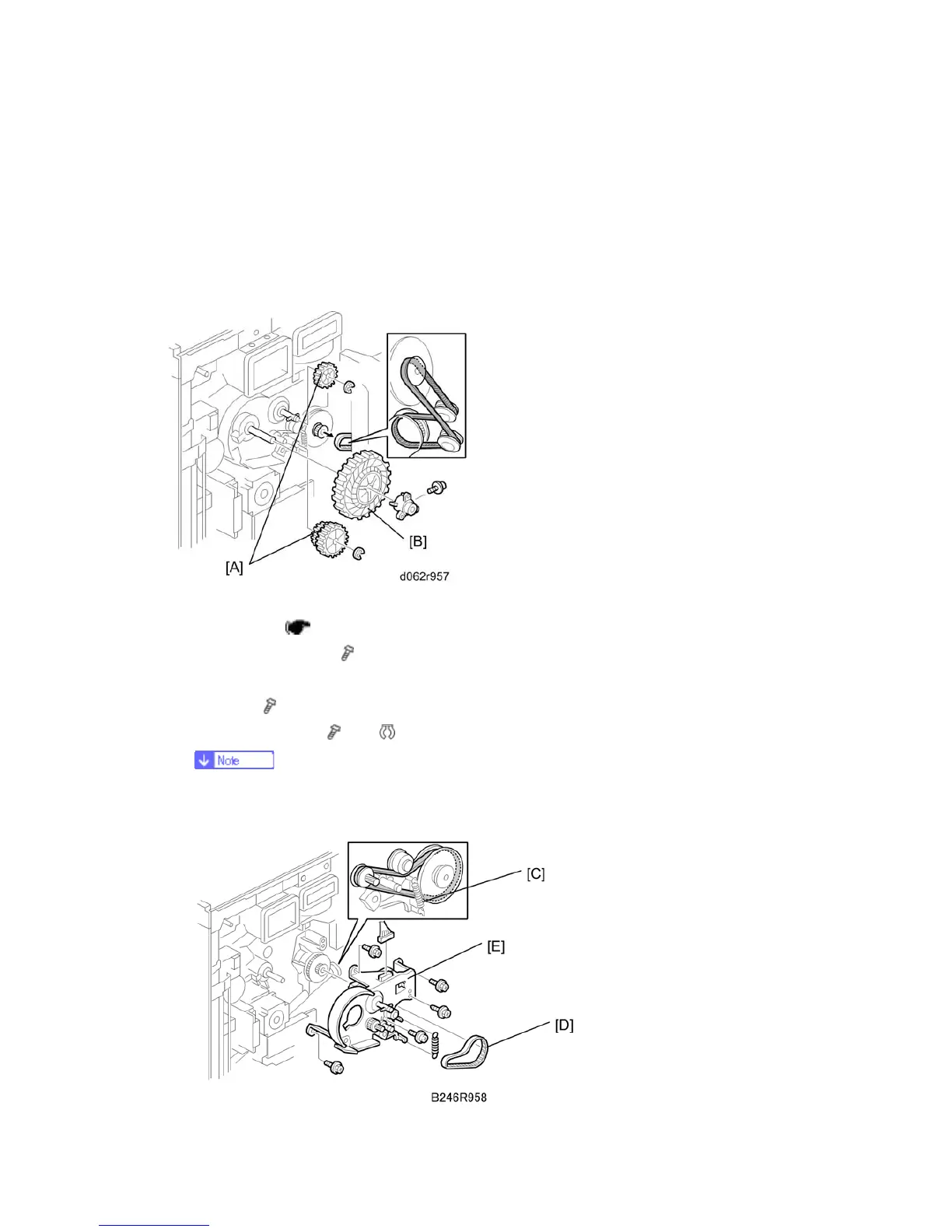
1. Three gears [A] [B](
x 1, x 2, Timing belt x 1)
Gears [A] are different in each model.
D062 and D063 have black gears, but D065 and D066 have white ones.



 To Next Page