REPLACEMENT AND ADJUSTMENT
B513/B531 16 SM
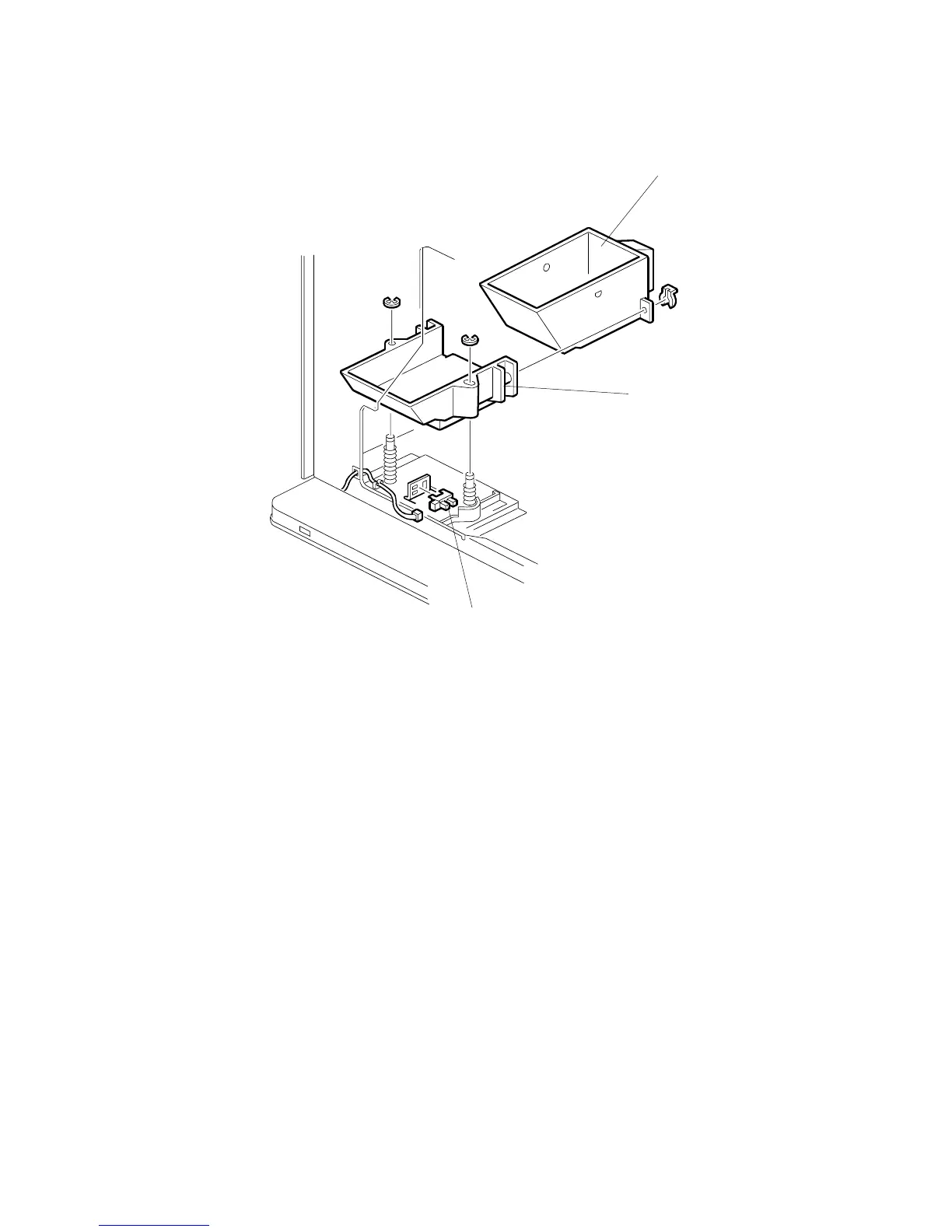
3.5.6 STAPLE WASTE HOPPER SENSOR
1. Open the front door, pull out the stapler unit, then remove the rear cover.
2. Remove the rear cover ( x 2).
3. Remove the staple waste hopper [A] ( x 1).
4. Remove the hopper holder [B] ( x 2).
5. Replace the staple waste hopper sensor [C] ( x 1).
B478R517.WMF
[B]
[A]
[C]



 To Next Page