REPLACEMENT AND ADJUSTMENT
B513/B531 10 SM
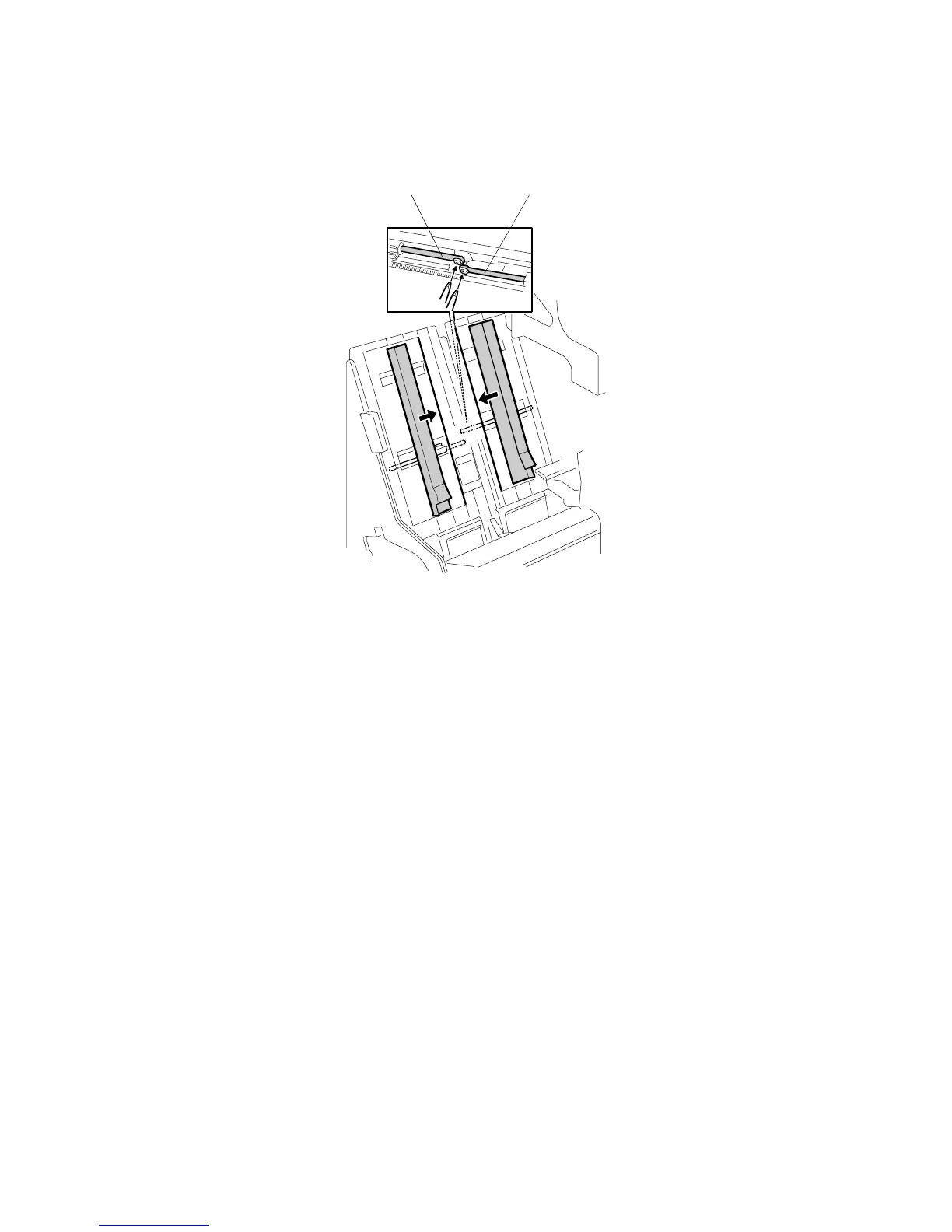
3.4 JOGGER FENCE
1. Open the front door.
2. Pull out the jogger and stapler unit.
3. Push both fences to the center.
4. Remove the left jogger fence [A] ( x 1)
5. Remove the right jogger fence [B] ( x 1).
NOTE: If the screws are difficult to remove or re-attach, remove the jogger
fence belt and spring plate.
B478R525.WMF
[B] [A]



 To Next Page