Punch Unit (B531)
SM 2-53 D062/D063/D065/D066
Installation
No special DIP switch settings are required for this punch unit. The punch unit
sends an identification signal to the machine, so it knows what type of punch
unit has been installed.
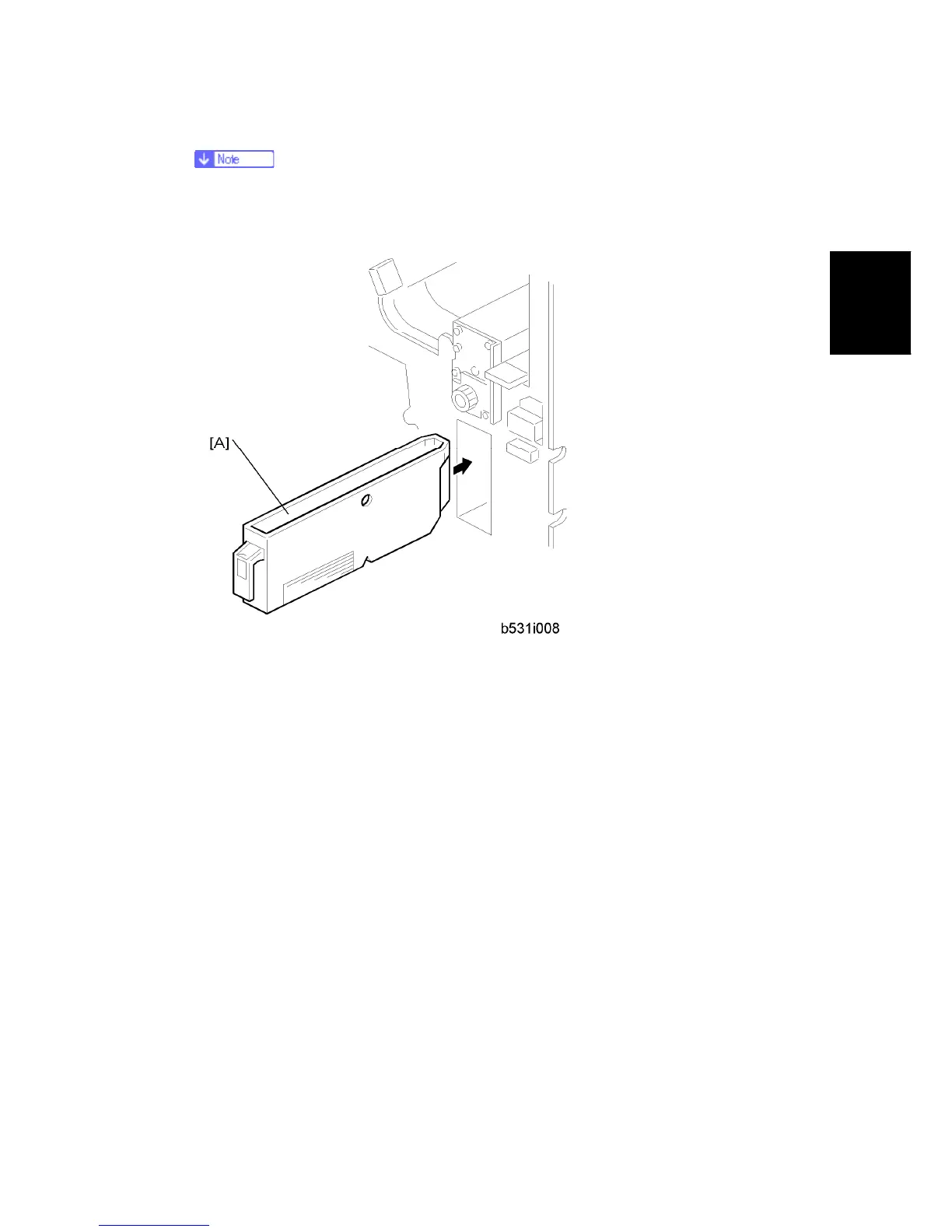
17. Slide the hopper [A] into the finisher.
18. Re-attach the inner cover and rear cover.
19. Close the front door and re-connect the finisher to the machine.



 To Next Page