Drum Unit
D062/D063/D065/D066 4-26 SM
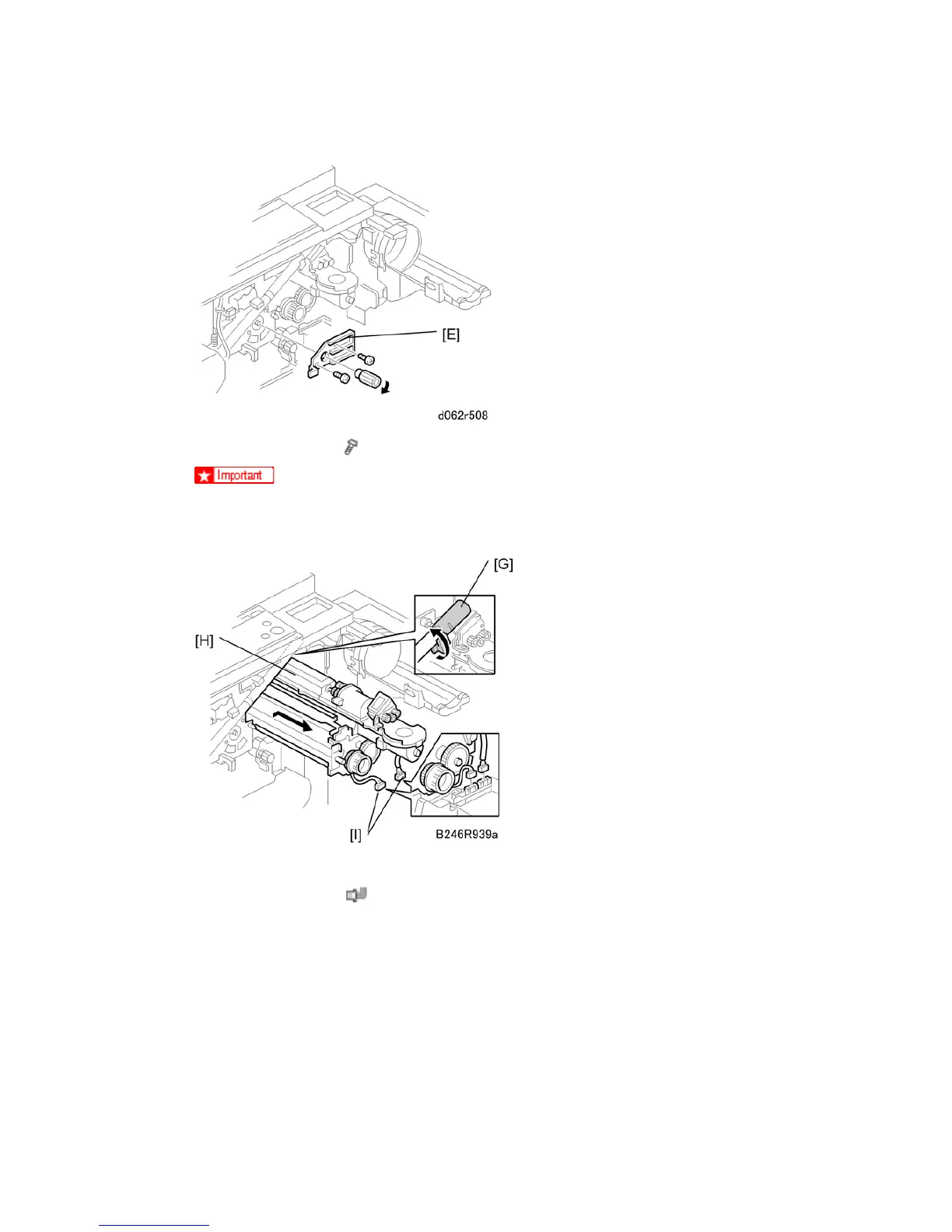
6. Face plate (knob x 1,
x 2) [E]
After re-installation, the tab [F] in the first illustration should be behind the stay
and its pin below should be in the open track below.
7. Close the supply pipe shutter [G].
8. Development unit [H] (
x 2 [I])
Allow the unit to slip to the right, then slowly pull it out of the machine.
If the LCT is installed, you may need to disconnect it so the front door can open far
enough to allow removal of the development unit.



 To Next Page