Drum Unit
SM 4-31 D062/D063/D065/D066
Replacement
and
Adjustment
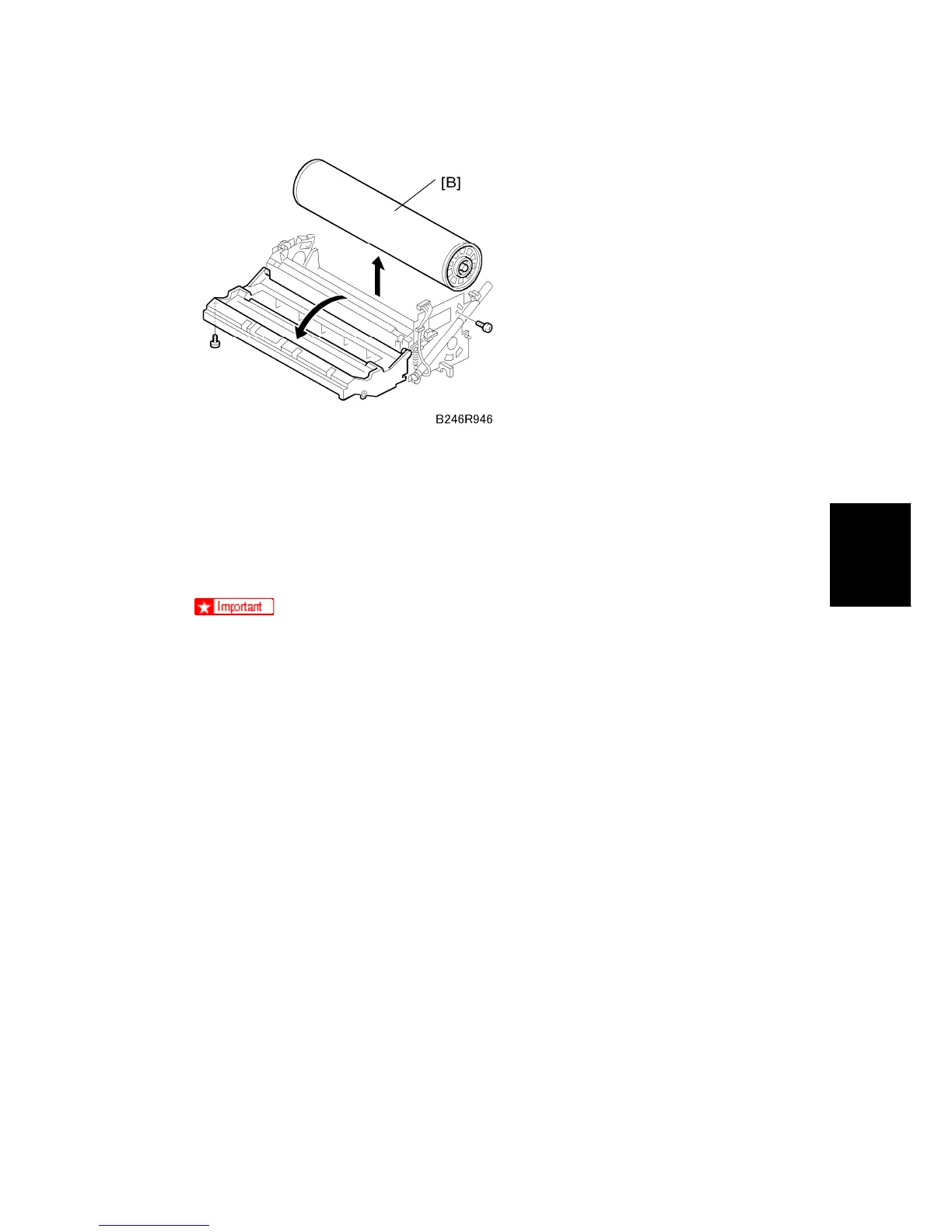
2. OPC drum [B]
3. After replacing the drum, do the following SPs:
Set SP2001-001 (Charge Roller Bias Adjustment – Applied Voltage for Image
Processing) to the default setting.
SP2962 (Adjustment of Drum Conditions), only if SP3901 (Auto Process Control)
is on.
To avoid fingerprints on the surface of the OPC drum, never touch the surface
of the drum with bare fingers.
Never use alcohol to clean the surface of the OPC drum. Blow dry the OPC
drum, then wipe clean with a clean, slightly damp cloth.
Before installing a new drum, dust the surface of the OPC drum carefully with
setting powder. (See below.)



 To Next Page