Using the Debug Log
D062/D063/D065/D066 5-30 SM
3. Push [#Enter].
0000000
_
The default settings for Keys 1 to 10 are all zero (“0”).
4. Select the number from the table below, then use these key presses to enter the
number.
0002222
_
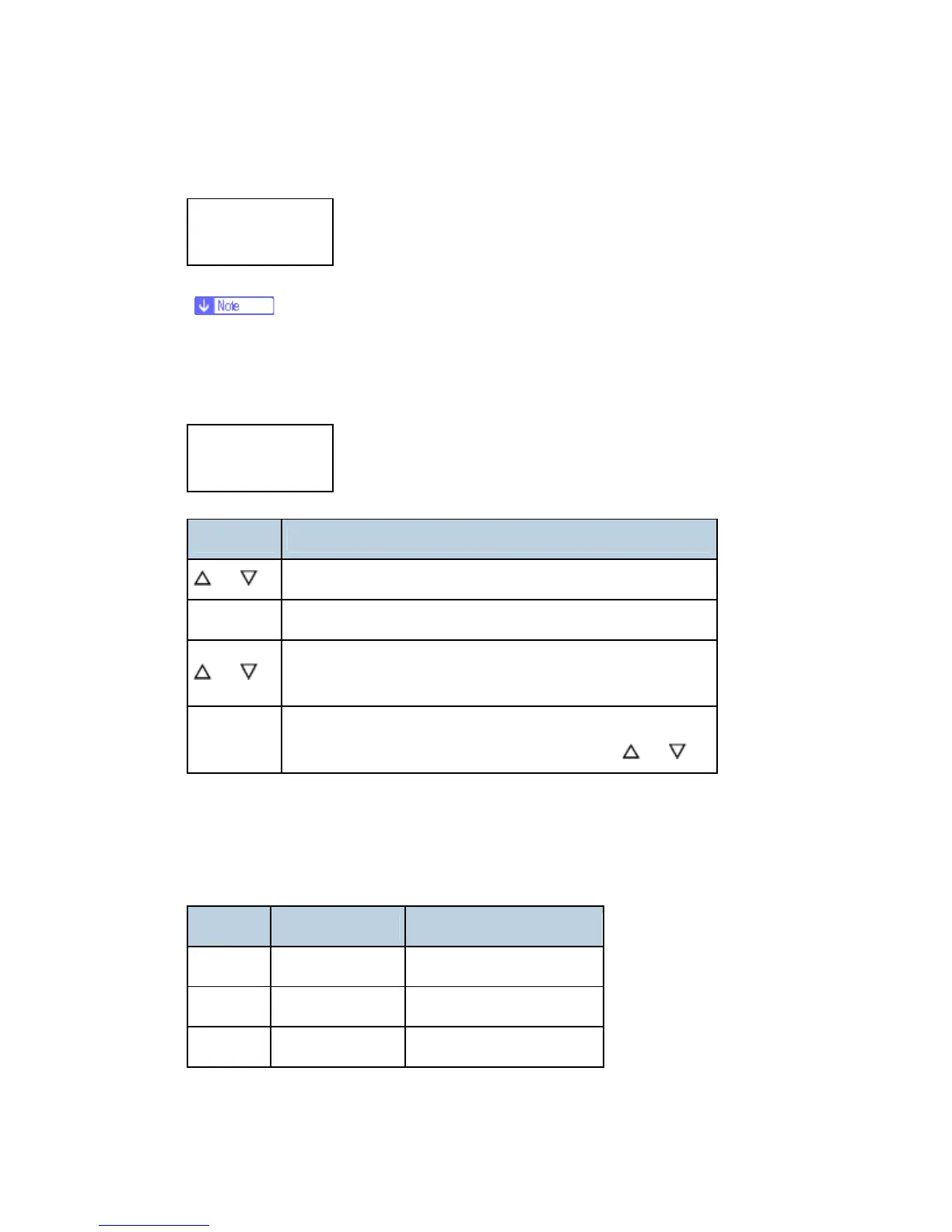
Key Press What It Does
or
Moves the cursor to select the digit in the line above.
[#Enter] Enters the number entry mode (displays a "0" at the cursor).
or
Selects the number to enter at the digit position in the line
above.
[#Enter]
Enters the selected number in the line above and exits the
entry mode you can select the next position with
or
5. Refer to the table below for the 4-digit numbers to enter for each key. (The acronyms
in parentheses indicate the names of the modules.)
4-Digit Entries for Keys 1 to 10
Key No. Printer Web
1 2222 (SCS)
2 2223 (SRM)
3 256 (IMH)



 To Next Page