11
2017 Page 199 5IN2413 B
Keypad
Devices Keypad
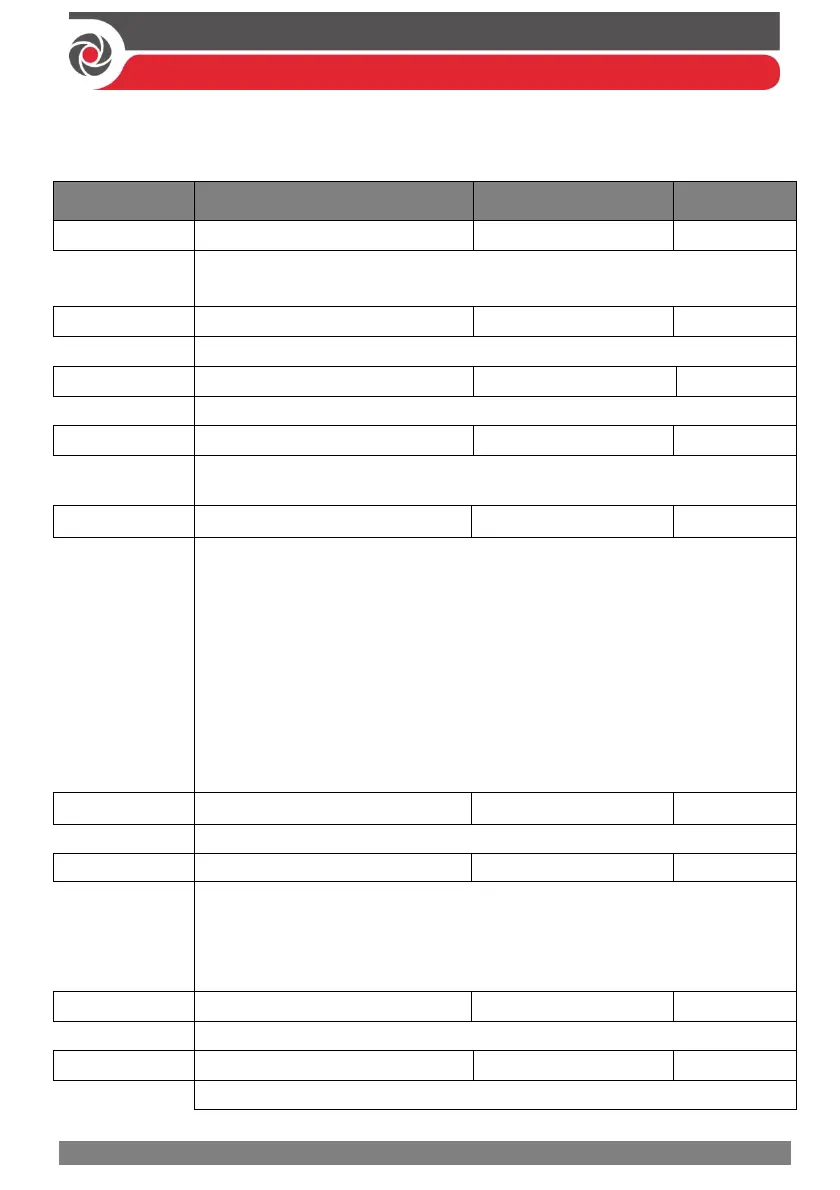
Quick keys Parameter Default Range
Keypad
NOTE: = keypad number
Select a keypad, press OK. The following can be defined for each keypad:
Label
Enter a label identifying the keypad in the system.
Partition
Enter a partition (01--32) for the keypad
Masking
Specifies the partitions that are controlled by the specified keypad. Enter a
number to clear it. Enter the number again to display it.
Controls
Define these parameters:
Emergency (Y/N) – to enable (Y) or disable (N) the keypad’s
emergency keys per keypad.
Multi view (Bus)
YES: The keypad will display the status of all masked partitions.
NO: The keypad will display only the status of its partition.
Exit beeps (for a 2-Way Slim keypad with bypass)— beeps during the
exit time in stay arming.
Supervision (Y/N) – to enable (Y) or disable (N) supervision for a
wireless keypad
Serial Number
Displays the identifying 11-digit number of the allocated keypad
Function Key (2-way)
Disable – Disables the keypad’s function key for Utility Output:
Panic – Uses the keypad’s function key to send a panic alarm
MS Listen & Talk – Uses the keypad’s function key to establish 2-way
“Listen & Talk” communication with the monitoring station.
UO Key 1
Assign a utility output to be activated by a long press on function key 1
UO Key 2
Assign a utility output to be activated by a long press on function key 2



 To Next Page