11
2017 Page 143 5IN2413 B
Zone
Define parameters that follow zone events. Each utility output can be activated by
a group of up to five zones.
Note
When selecting output utility output number (1—10), if the UO number appears with a 0
first (for example 0xx, whereas xx is the UO number) that indicates the UO is connected
directly to the terminal block and not assigned to an output expander.
1. From the installer Programming menu go to 3)Outputs and then press OK ( ).
2. Scroll to a UO (utility output) to configure (1—10), and press OK.
3. Scroll to 3)Zone and then press OK.
4. Scroll to a parameter to configure in the table below, and then press OK.
5. For each utility output, you can define a group of up to five zones. Select the 1st
through 5th zone numbers to be in the group, pressing OK after each (press OK
even if you don’t specify a zone number for all of the five). If you choose a zone
that’s not in the system, the keypad will beep - scroll back and enter a valid
zone.
6. Scroll to the pattern of operation option (see Pattern of Operation for Utility
Outputs, page 145), and then press OK.
7. Set other parameters as relevant (such as pulse duration and UO label), and
then press OK after each.
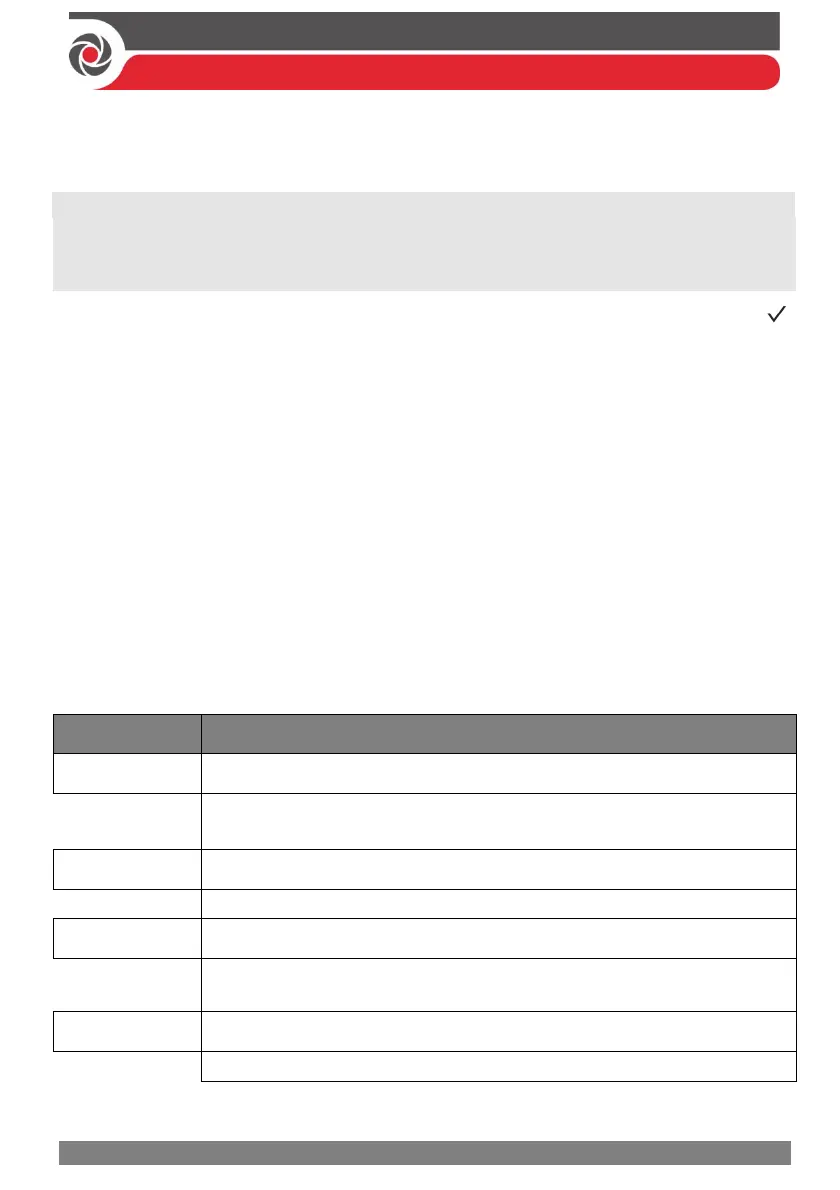
Outputs Zone
Quick keys
Parameter
xx
Zone Follow
Activates the utility output when the selected zone is tripped.
The tripped zone need not be armed to trigger the utility output.
xx
Alarm Follow
Activates the utility output when the selected zone causes an alarm.
xx
Arm Follow
Activates the utility output when the selected zone is armed by the
system.
xx
Disarm Follow
Activates the utility output when the selected zones are disarmed.



 To Next Page