11
2017 Page 206 5IN2413 B
Proximity Key Reader
Define or modify parameters of a Proximity Key Reader that can be connected to
the ProSYS Plus as a bus accessory. Up to 64 PKR's can be connected to the system
.
Note
Access to this sub-menu requires that a Proximity Key reader device is installed.
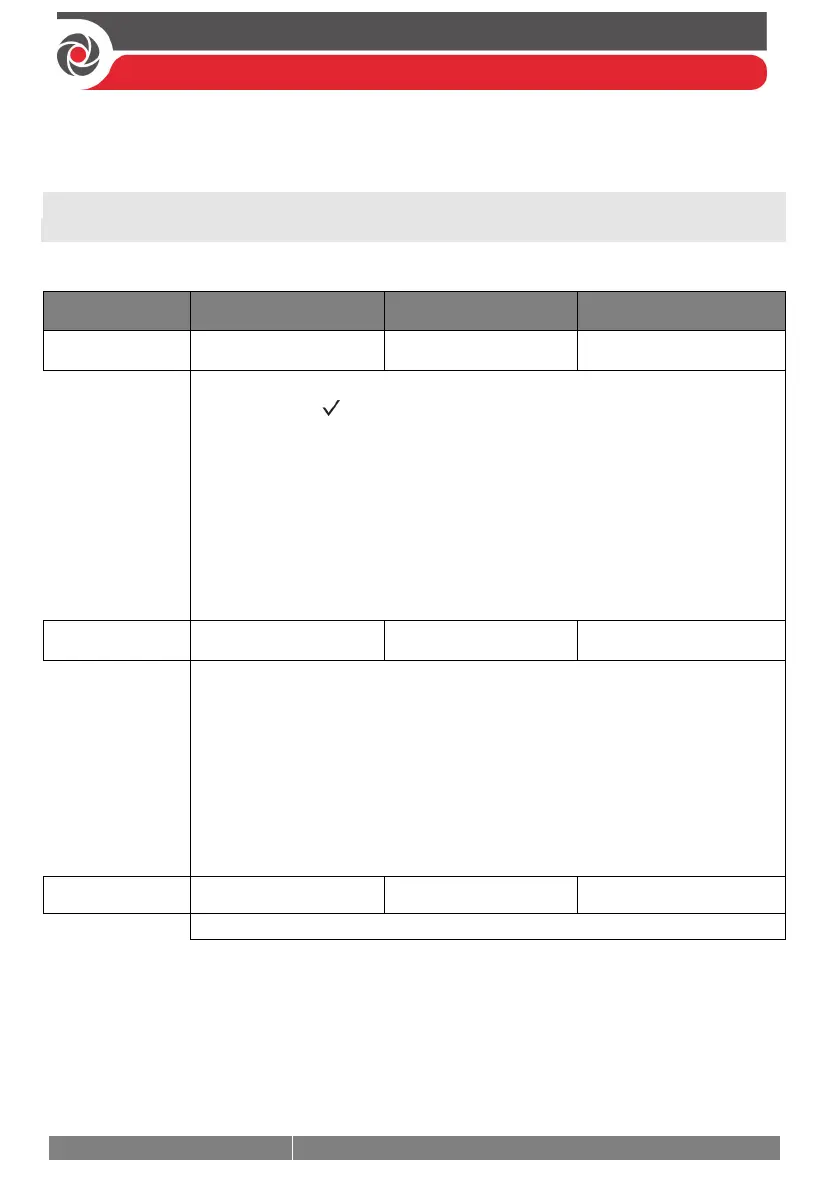
Devices Proximity Key Reader
Quick keys Parameter Default Range
Masking
To specify the partitions that are/are not controlled by the specified PKR:
1) Press OK ( ), scroll to select the PKR index number,
and then press OK.
2) Scroll to
MASKING, and then press OK.
3) Scroll through each block of partitions (32 partitions maximum—all
enabled by default), and designate the partitions to mask (to not
allow operation via the keypad) by entering a partition number to
delete it (it will not display), or enter the number again to select it (it
will display).
4) When finished, press OK.
Control
1). Use this menu to define controls of the PKR. Scroll the list and toggle
Y/N for each option (see page 194).
INSTANT ARM?
SHOW READY?
SHOW ARM?
SHOW STAY?
SHOW BYPASS?
2). When done press OK to save your settings.
Label
Assign a descriptive label.
Power Supply
Define or modify parameters of a power supply expansion module connected to
the ProSYS Plus as a bus accessory. Up to 32 power supply expansion modules
(1.5A or 3A) can be connected to the system (maximum 8 per bus line).



 To Next Page