11
2017 Page 102 5IN2413 B
Automatic Clock
Set the Automatic Clock parameters to retrieve automatic time updates (NTP or
Daytime) through IP or GPRS.
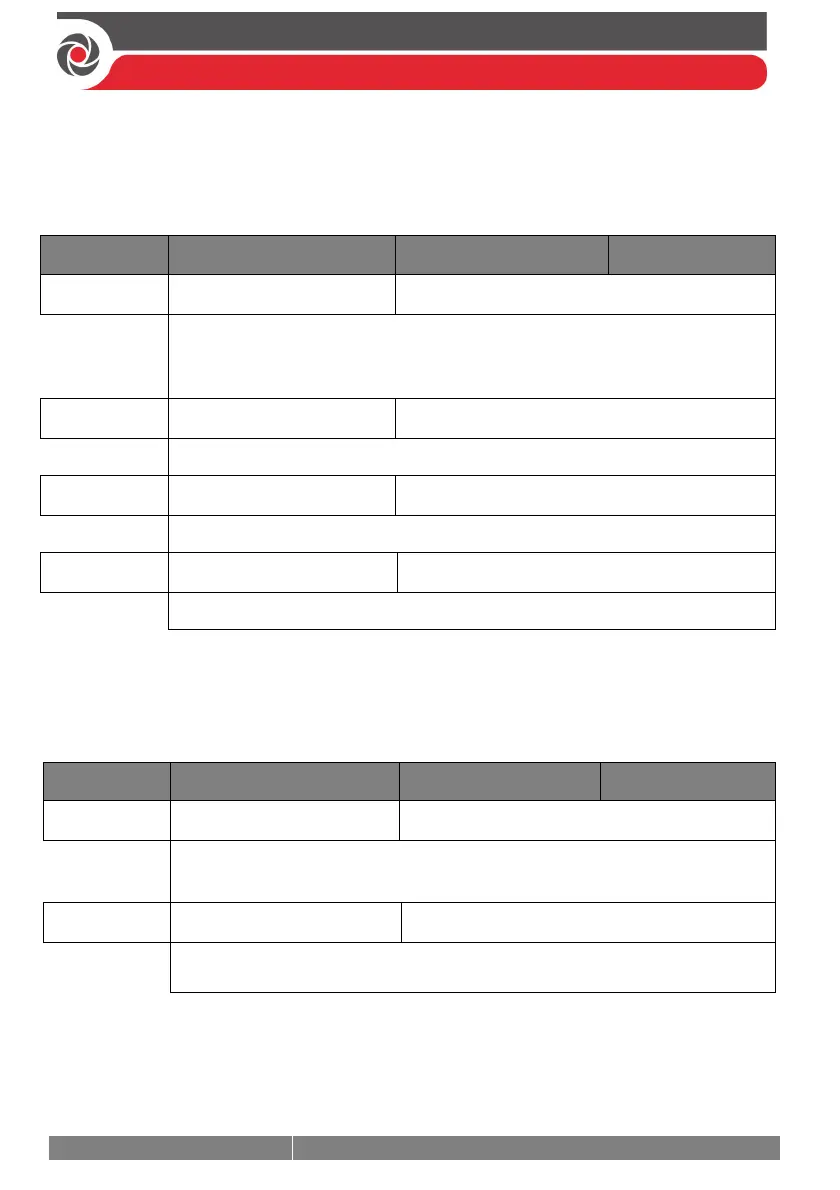
System Automatic Clock
Quick keys Parameter Default Range
Server
Daytime
Select the internet time protocol:
NTP (Network Time Protocol)
DAYTIME
Host
99.150.184.201
The IP address or server name.
Port
00013
The NTP server port.
Time Zone (GMT)
Scroll through the available selections (GMT-12:00 - GMT+13:00).
Service Information
Enter the service information details of the monitoring station.
System Service Information
Quick keys Parameter Default Range
Name
Any 16 characters
Enables you to insert and/or edit the name of the monitoring station from
where service may be obtained.
Phone
Any 16 characters
Enables you to insert and/or edit the service phone number.



 To Next Page