Messages
4-19
Select Frequency of Owner-Fixed Frequency Beeps
Changes the frequency (pitch) of the CW.
• Enter the password, followed by the 4-digit root number shown, followed by
the 4-digit tone code for your desired frequency.
• The tone code is taken from the Tone Code Table on page A-20. Do not
omit leading zeroes. Tone codes may also be calculated, if desired.
• The frequency range is 100Hz to 5KHz, although most radio systems have
an audio response of 300Hz to 3KHz.
• To select frequencies for CW and CTCSS, see the appropriate commands
on pages 4-11 and 10-3 respectively.
Command Form:
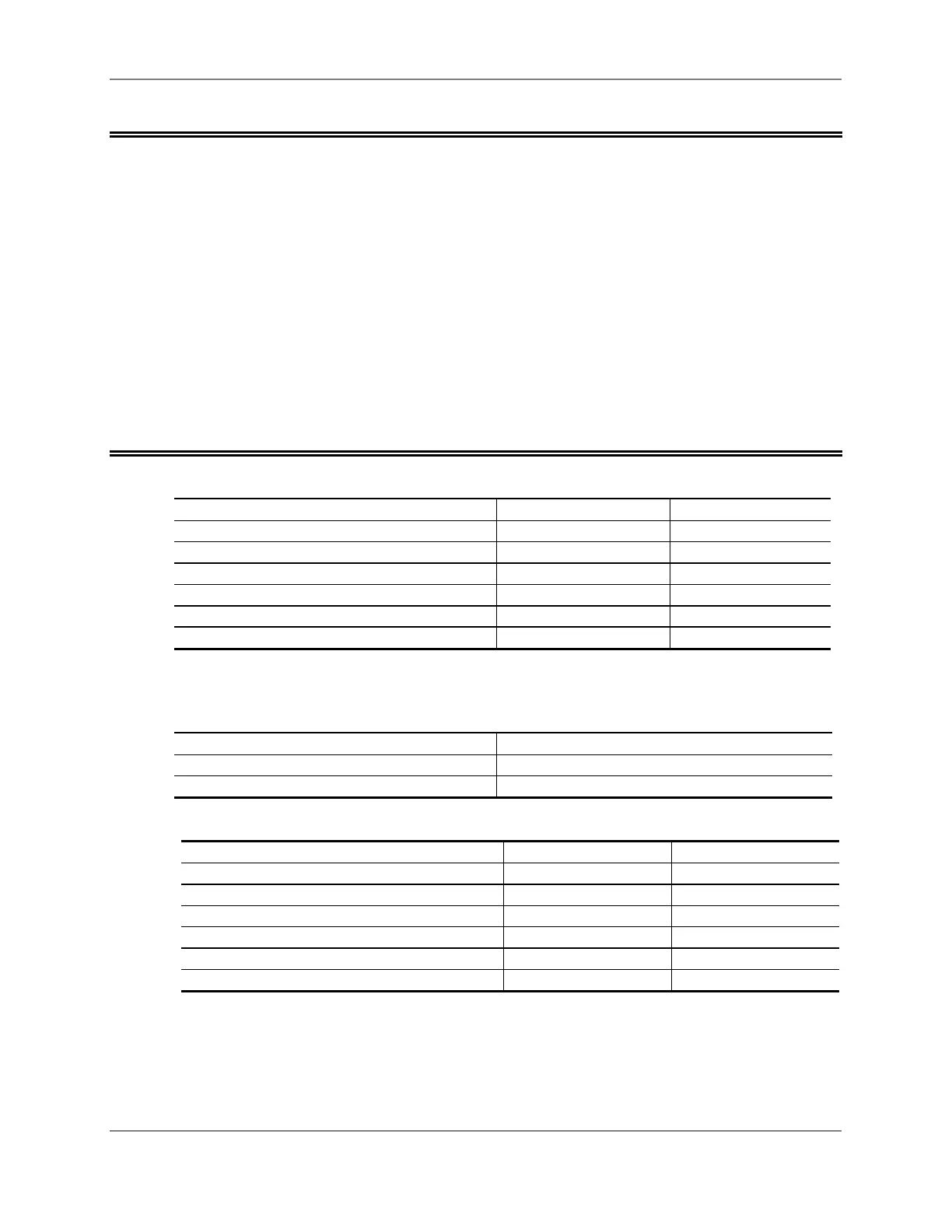
Command Form Data Digits
Select Frequency of Beep 48 (PW) 06 01 xxxx * Tone Code Table
Select Frequency of Beep 49 (PW) 06 02 xxxx * Tone Code Table
Select Frequency of Beep 50 (PW) 06 03 xxxx * Tone Code Table
Select Frequency of Beep 51 (PW) 06 04 xxxx * Tone Code Table
Select Frequency of Beep 52 (PW) 06 05 xxxx * Tone Code Table
Select Frequency of Beep 53 (PW) 06 06 xxxx * Tone Code Table
Acknowledgment: Sends OK
Errors:
Error Meaning
? err 1 wrong number of digits entered
? err 2 illegal code entered
Default Condition:
Command Default Condition Tone Code
Select Frequency of Beep 48 500Hz 2000
Select Frequency of Beep 49 750Hz 1333
Select Frequency of Beep 50 1000Hz 1000
Select Frequency of Beep 51 1250Hz 0800
Select Frequency of Beep 52 1500Hz 0667
Select Frequency of Beep 53 1750Hz 0571



 To Next Page