EasyManua.ls Logo

SYSMEX XP Series - Quality Control Process Flow

SYSMEX XP Series
290 pages
Print Icon
To Next Page IconTo Next Page
To Previous Page IconTo Previous Page
Loading...
9-6 Sysmex XP-300
Quality Control
January 2012
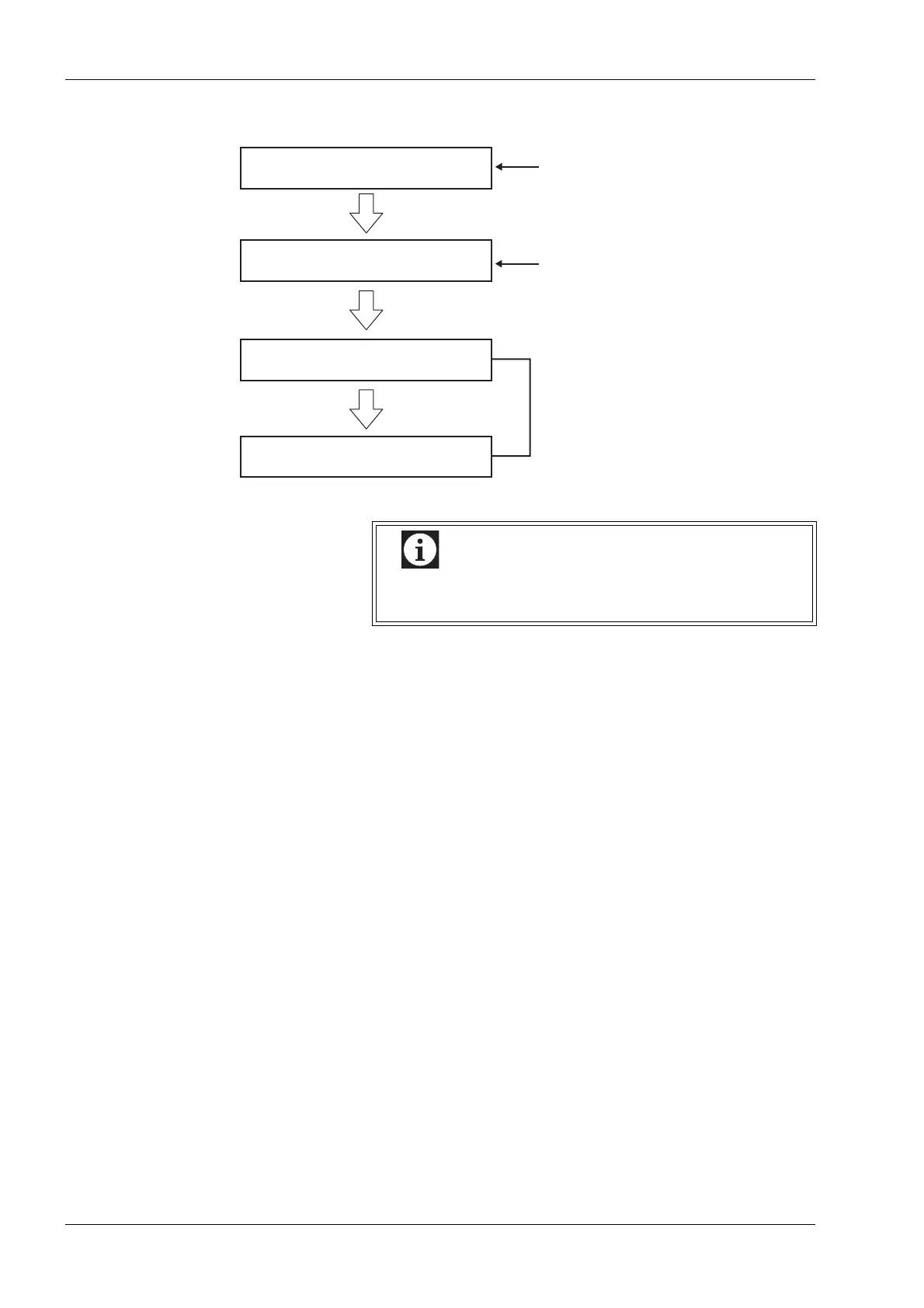
9.3 Quality control process flow
Select quality control method.
Set control blood information
Perform quality control analysis.
Check and record quality control
results (QC chart screen).
Set when the instrument is
purchased and as needed.
Set when a new lot of the
control blood is used.
Perform daily.

Information
A total of 6 quality control files can be stored. Each file
can contain data of up to 22 parameters by 60 points.

Table of Contents

Related product manuals