9-24 Sysmex XP-300
Quality Control
January 2012
9.7 Quality control chart screen
A total of 6 quality control files are available. Each file can contain
data of up to 22 parameters by 60 points.
The content of quality control files can be confirmed on the quality
control chart screen.
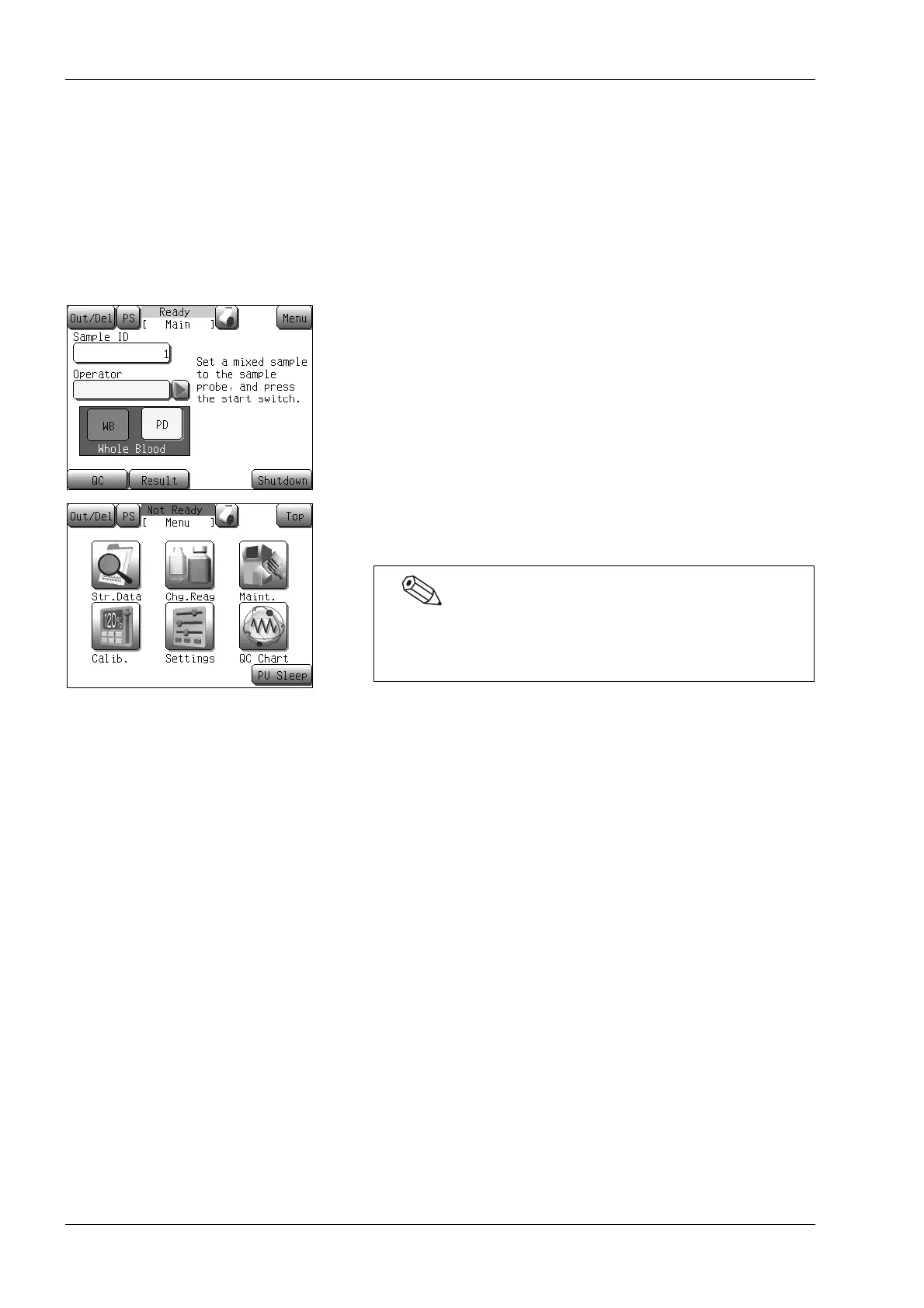
Starting up quality control chart screen
(1) Press the [Menu] button on the Main screen.
The Menu screen will appear.
(2) Press the [QC Chart] button.
The quality control chart screen (1/11) will appear.
When the quality control chart screen is displayed, the
screen for the sample most recently viewed or updated
appears.



 To Next Page