Sysmex XP-300 5-5
Initial Operation
Revised May 2012
5.4 Removal of packing tape
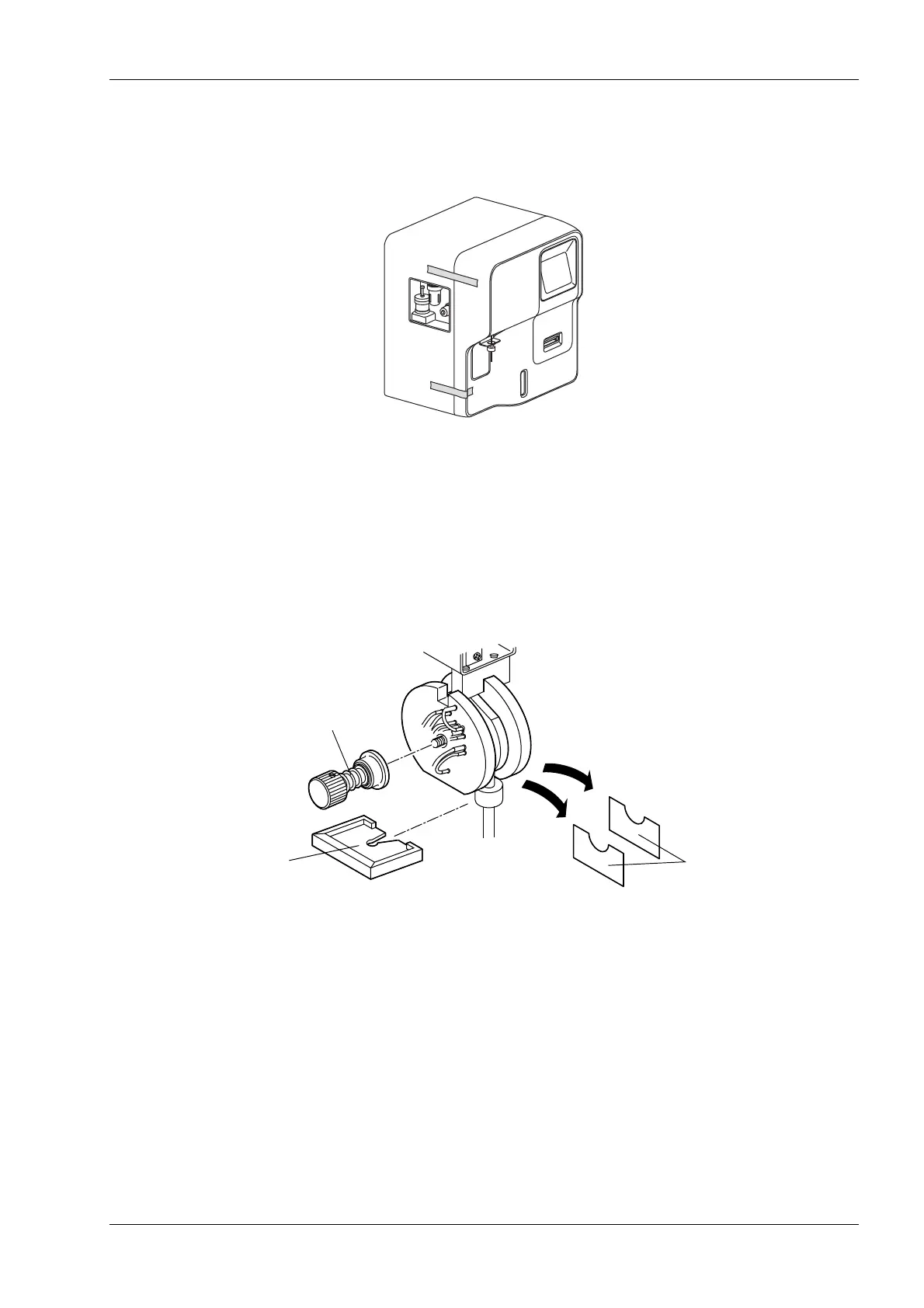
(1) Peel off the fixing tape of the outer cover gently.
(2) Open the front cover of the main unit.
(3) Remove the protective film from the LCD screen.
(4) Remove the SRV protection sheets.
1) Remove the SRV fixing screw.
2) With the fixed and rotary valves separated sufficiently, remove the protection sheets.
3) Return the SRV and the SRV fixing screw to their original positions.
4) Set the provided Tray No. 20.
SRV fixing screw
Protection sheets
Tray No. 20



 To Next Page