Sysmex XP-300 7-3
Sample Analysis
January 2012
7.4 Checks prior to operation
Perform the following checks before turning the main power switch
of the instrument ON.
Power cable
• Ensure that the power cable is properly connected.
The power cable must be plugged into an outlet.
• If it is necessary to replace the power cable, contact your
Sysmex service representative.
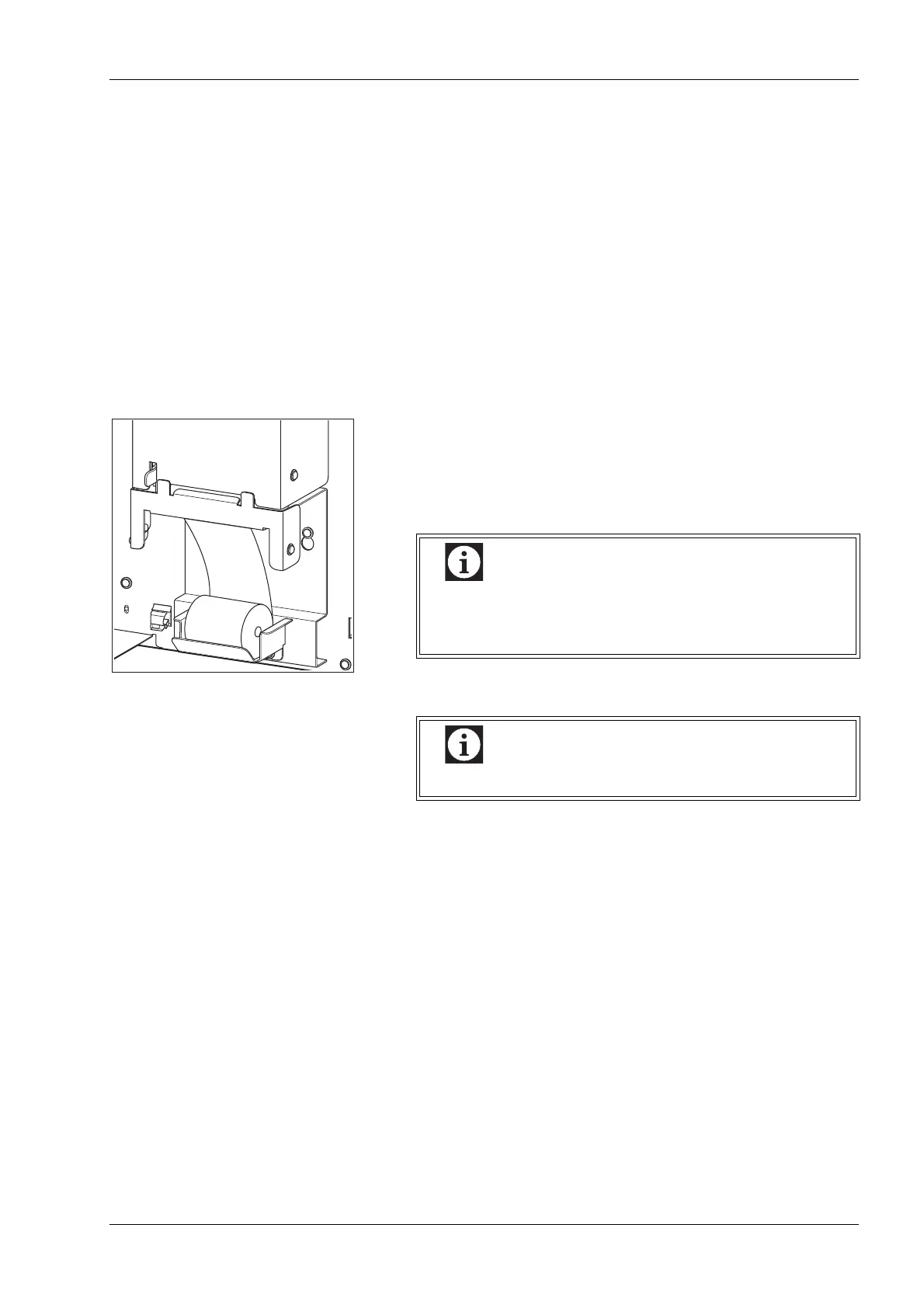
Internal printer paper (Printing Paper No. 3)
(1) Open the front cover of the instrument, and check that the paper
supply is adequate for the number of samples expected for the
day.
For the replacement procedure, see “12.18 Replace internal
printer paper (Printing Paper No. 3)”.
(2) Check to see that the paper is properly aligned.
Inspection of reagents
Check to see that the reagents needed for the number of the samples
to be processed for the day are available. If the number available is
such as might become short during the day, make ready the reagents
for use in replenishment. When reagents run out during analysis, the
instrument will automatically come to a stop. Replenish the reagent
that gave an error. Until replenishment is completed, analysis cannot
be resumed. The number of samples that can be analyzed with one
pack of reagent is listed below:
When the tip of printer paper extends from the upper
part of the internal printer, cut off the paper and then
open the front cover.
Use only printer paper recommended by Sysmex.



 To Next Page