Sysmex XP-300 7-27
Sample Analysis
Revised April 2012
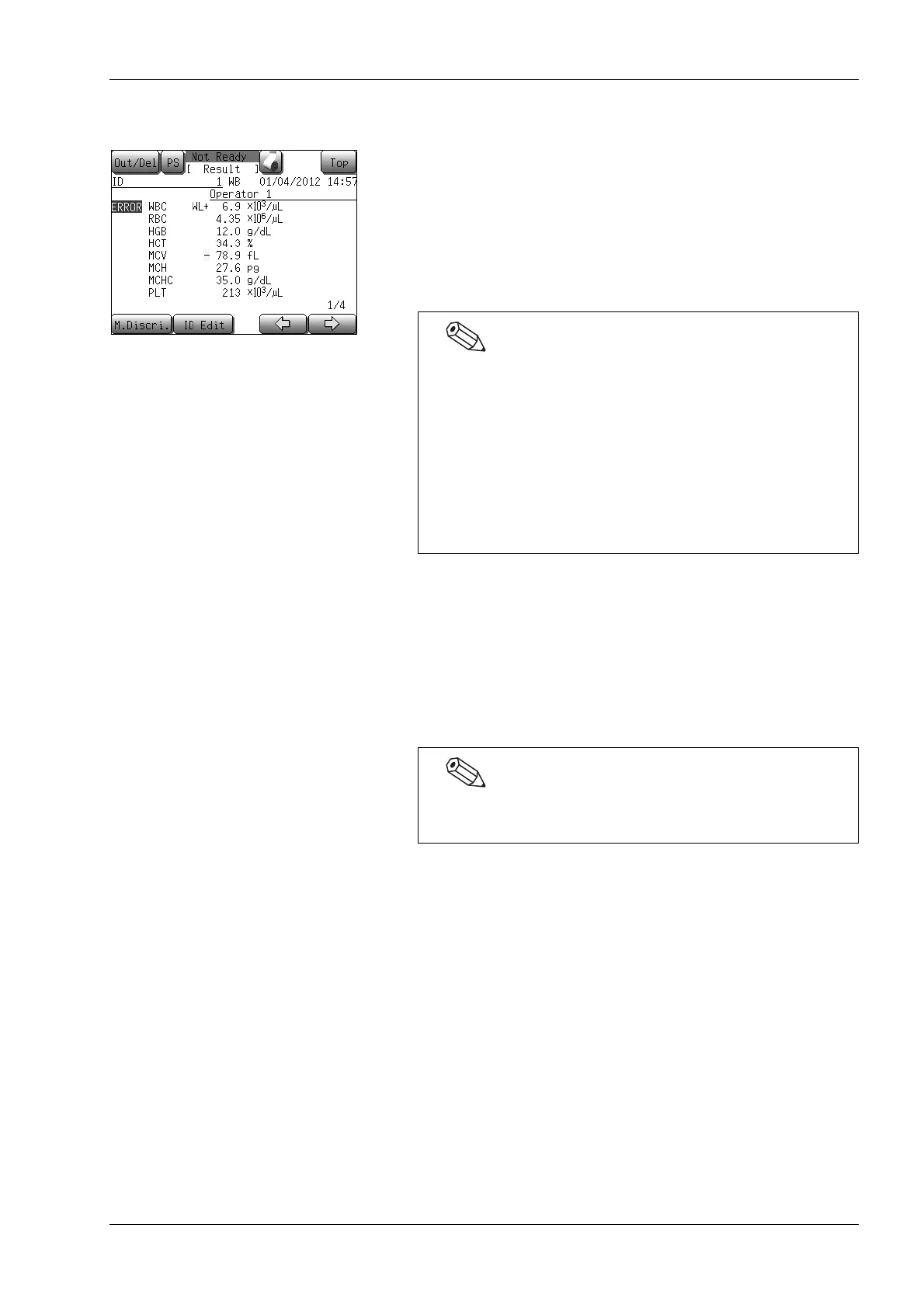
7.10 Display of analysis results
The results of the last analysis are displayed on the LCD screen.
The complete display consists of 4 screen pages. Switch the pages by
pressing the [←] or [→] button.
For further information regarding the displays, see “8.1 Latest
sample (analysis result screen)”.
Press the [Top] button to return to the Main screen.
7.11 Print and output of analysis results
The analysis results can be printed from the internal/external printer
or output to the host computer.
For details, see “Output of analysis result (latest sample)” and
“Output of stored data” in “8. Display and Output of Analysis
Results”.
• Analysis results of the last sample can be re-analyzed by
moving the discriminator positions in the histogram. For
details, see “Manual discrimination” in “8.1 Latest sample
(analysis result screen)”.
• If no buttons on the screen are pressed, the screen will
automatically return to the Main screen when the next
analysis can be performed.
Press the [Result] button on the Main screen to display the
analysis results.
User settings can also be made for automatic output.
(See “11. Instrument Setup”.)



 To Next Page