7-6 Sysmex XP-300
Sample Analysis
January 2012
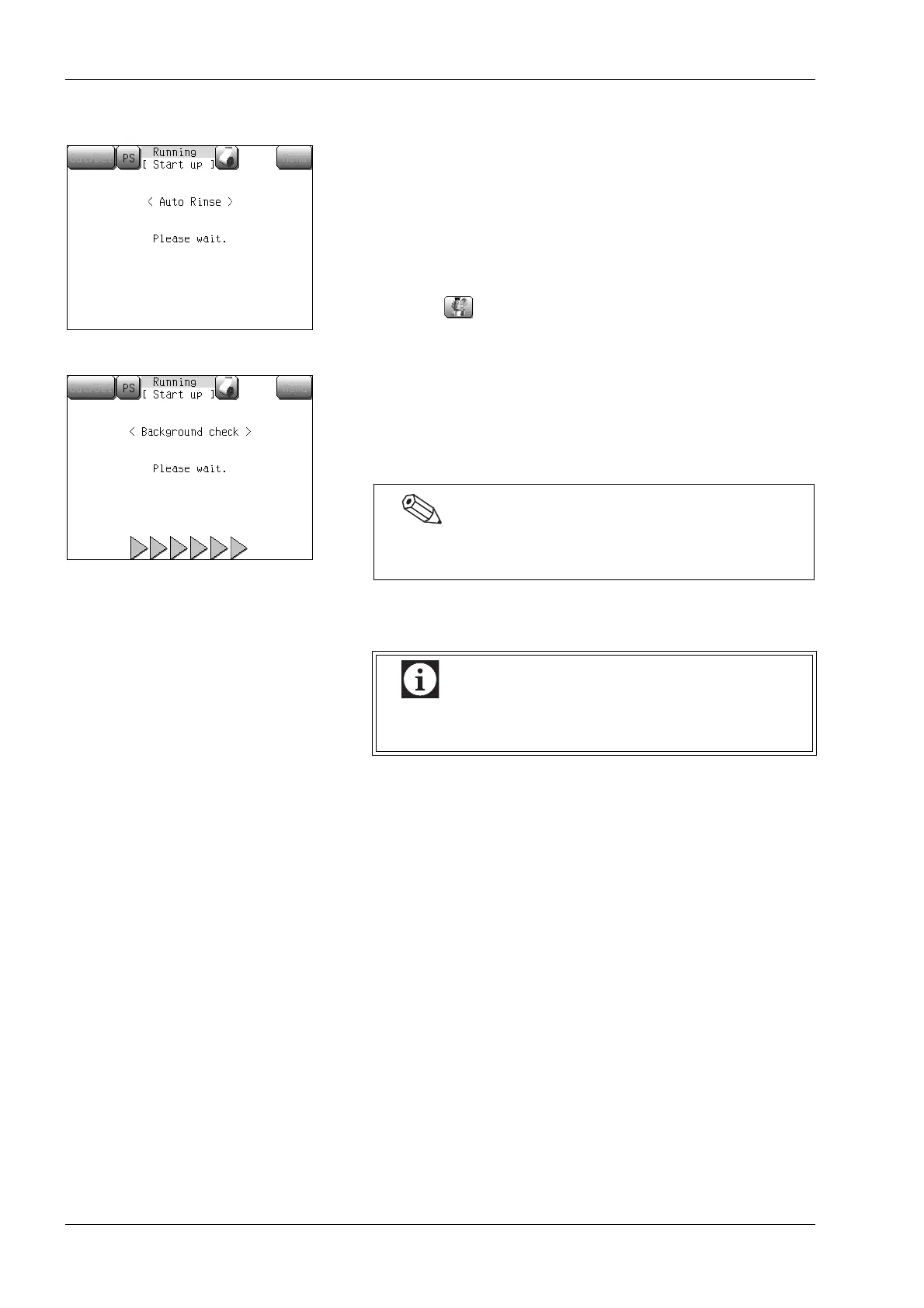
Background check
After a self-check is normally completed, auto rinse and background
check are performed.
The background check is performed up to 3 times and, if any one of
background counts exceeds the limit, the message [Blank Error] is
displayed on the screen and an alarm is sounded.
• Press the [OK] button on the error dialog. The
alarm sound
stops.
• Press the button and the action message will appear.
• Perform the appropriate action according to the action message
screen.
When the auto rinse and background check are normally completed,
the Main screen will appear.
Press the [Result] button and the background check result will
appear.
7.6 Quality control
“Blank Error” may occur, if the instrument is not operated
for several days.
Always perform a quality control prior to operation as
described in “9. Quality Control”.



 To Next Page