Sysmex XP-300 12-35
Cleaning and Maintenance
January 2012
[↓]: Moves to the next log data.
However, when the latest data is displayed, this button
operation becomes invalid.
[→]: Changes the screens in the following order; “First reagent
replacement history screen” → “Second reagent replacement
history screen” → ... → “Fourth reagent replacement history
screen” → “First reagent replacement history screen”.
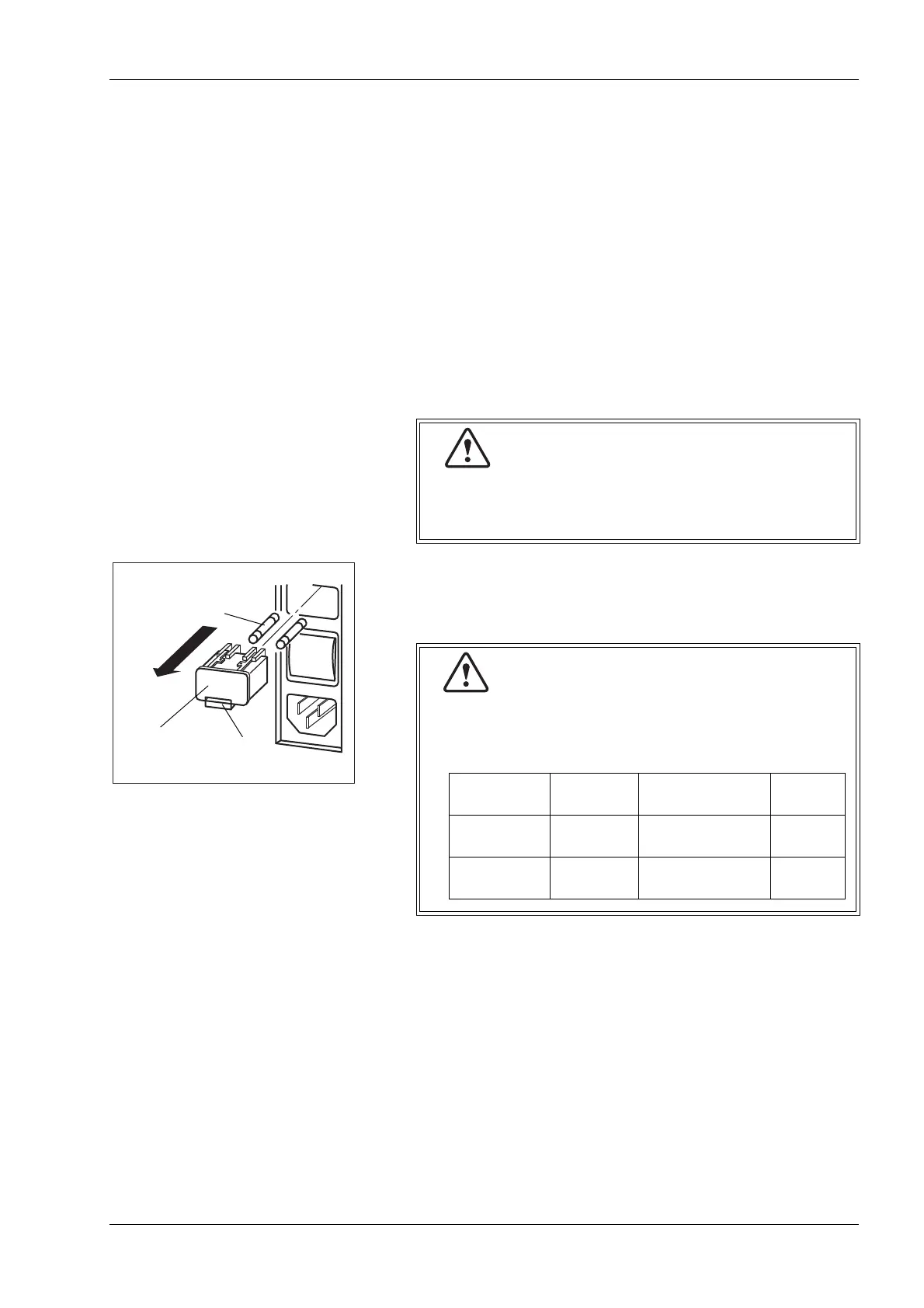
12.17 Replace system fuses
The main unit employs overcurrent protective fuses. When a fuse is
blown, replace it by the following procedure:
(1) Disconnect the power cord on the right side of the main unit.
(2) Pressing the notch upward with a regular screwdriver, remove
the fuse cap holder.
(3) Replace the fuse and mount the fuse cap holder.
Before replacing the fuse, always turn off the power
and disconnect the power cord.
This is to prevent possible electric shocks.
For continued protection against risk of fire, use the
fuse of the specified type and rating.
This is to prevent possible smoke.
Specification Part No. Description Fuse
Type
120 VAC 266-5011-3 Fuse 250V 4A
ST4-4A-N1
Time Lag
230/240 VAC AX880901 Fuse 250V 3.15A
50T032H
Time Lag



 To Next Page