Sysmex XP-300 9-7
Quality Control
Revised March 2012
9.4 Control method selection
If the power is OFF, turn the main power switch ON and wait until
the status display shows [Ready].
Follow the procedures below to switch the control method.
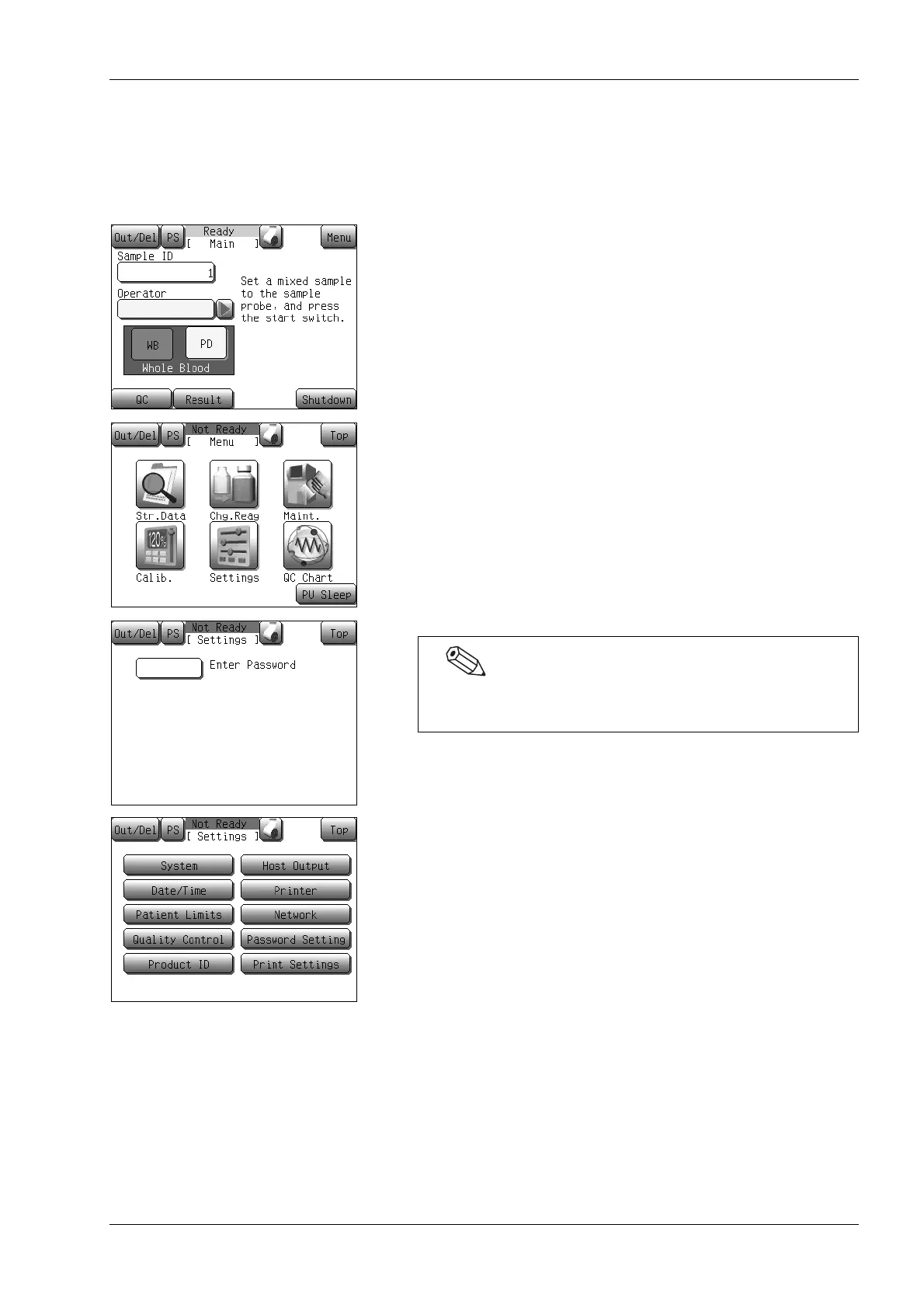
(1) Press the [Menu] button on the Main screen.
The Menu screen will appear.
(2) Press the [Settings] button.
The Settings menu screen will appear.
(3) Press the [Quality Control] button.
A current control method will be displayed on the quality
control setting screen.
If a password has been set, the password input screen will
appear. Enter the password.



 To Next Page