Sysmex XP-300 12-5
Cleaning and Maintenance
January 2012
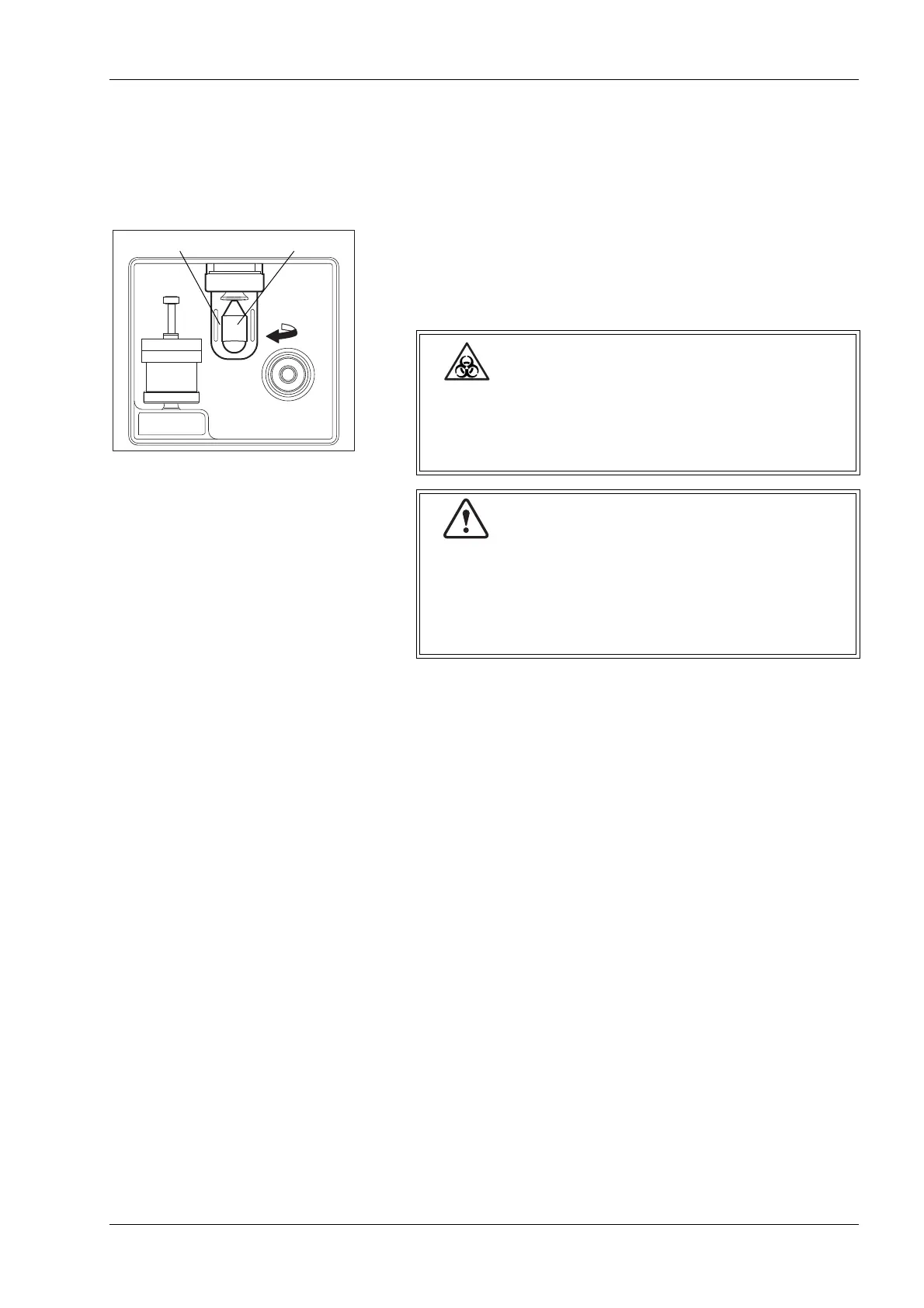
12.4 Check trap chamber level and discard
After completion of analyses for the day, check trap chamber level
and discard any liquid that has collected.
(1) Turn off the power and wait approximately 30 seconds.
(2) Turn the chamber on the left side of the unit counterclockwise
and remove.
(3) After discarding the liquid, mount the chamber. Make sure the
float is inside.
When discarding the trap chamber liquid, always wear
rubber gloves. After completion of work, wash hands
with disinfectant. If your hands are contaminated by
the blood, etc., infection of bacteria can occur.
• If liquid collects everyday, the hydraulic system may
have failed. Contact your Sysmex technical
representative.
• Pay attention to the direction of the float in the
chamber. Place it with its pointed end facing upward.



 To Next Page