6-10 Sysmex XP-300
Operation
Revised July 2012
Emergency call
When an ‘emergency’ error occurred, you can send an immediate
notice to the SNCS service.
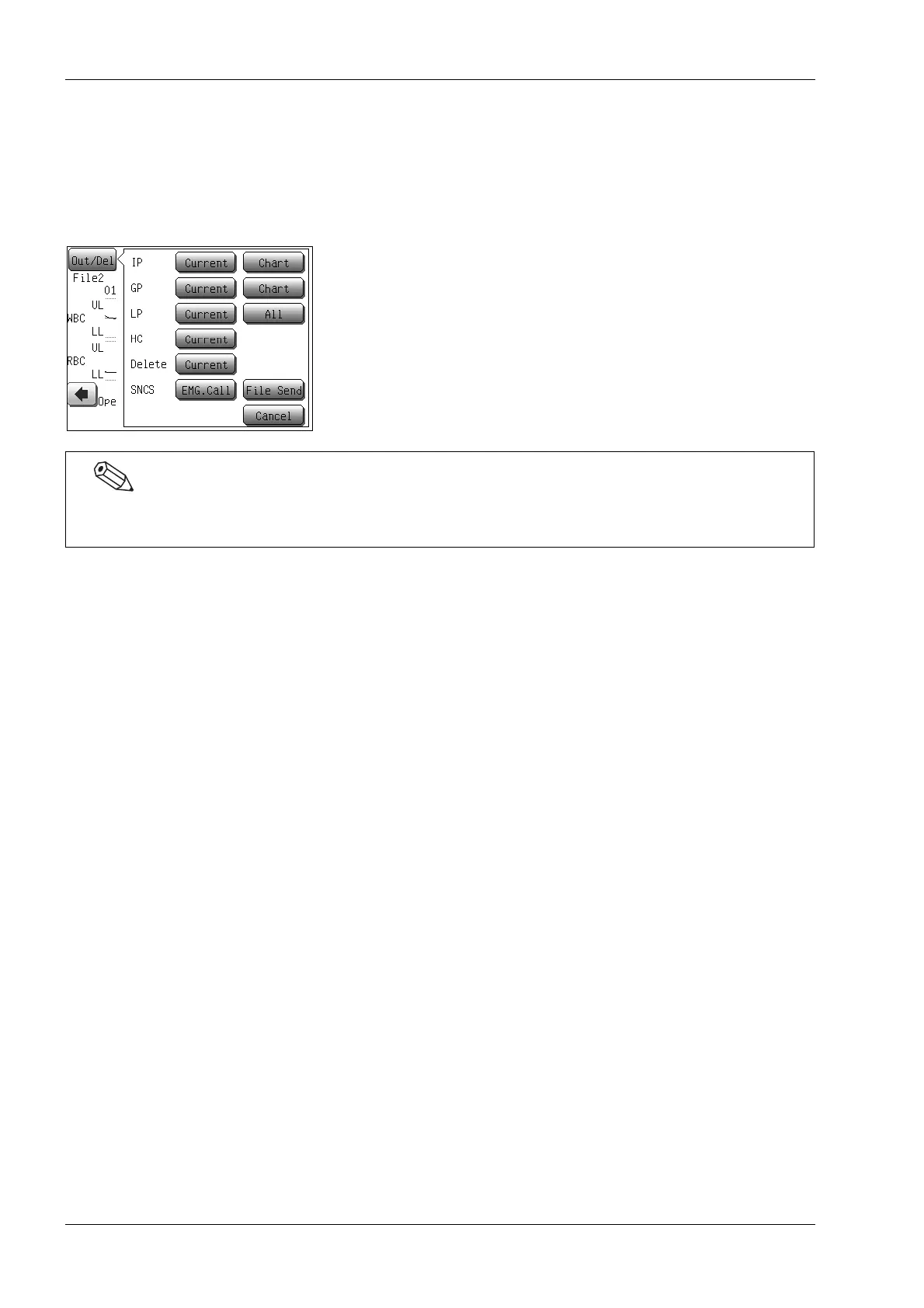
(1) Press the [Out/Del] button on the screen where it is displayed.
The output/delete menu dialog appears.
(2) Press the [EMG.Call] button.
An immediate notice is transmitted to the SNCS server.
The SNCS function buttons ([PS] button, [File Send] button and [EMG.Call] button) are valid when the
SNCS service setting is made. The setting must be made by a Sysmex service representative only.



 To Next Page