12-26 Sysmex XP-300
Cleaning and Maintenance
Revised October 2012
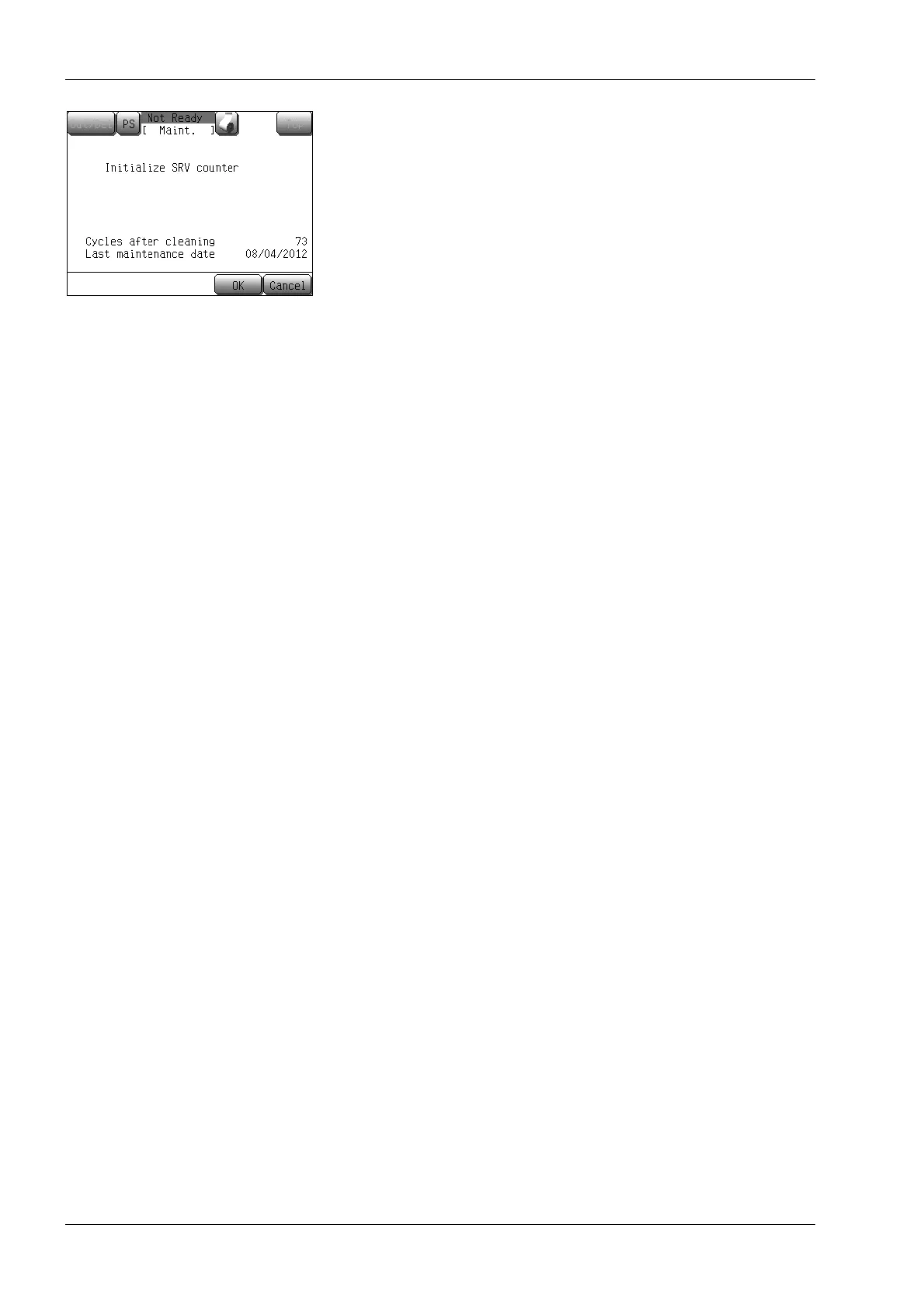
(4) Press the [OK] button.
[Cycles after cleaning] is reset to “0”, and the LCD returns to
the maintenance menu screen.
Press the [Cancel] button to return to the maintenance menu
screen without resetting the number of cycles.
12.15 Adjust pressure and vacuum
The adjustment procedures described here are important in
maintaining accuracy of this instrument.
Your Sysmex service representative will perform initial adjustment.
Should it require any adjustment subsequently, follow the procedures
given below.
The following adjustment procedures are explained on the following
pages.
• Pressure: 0.05 MPa
• Vacuum: –0.0333 MPa
Pressure and vacuum from the built-in pneumatic unit are regulated
to 0.05 MPa and –0.0333 MPa. The pressure and vacuum are always
monitored by pressure sensors. When an error occurs, an error
message is displayed.
If the pressure or vacuum error message is displayed, check tubing
connections or the like for any air leakage. If there is no such error,
display the status display screen and adjust pressure or vacuum as
required.



 To Next Page