Sysmex XP-300 5-15
Initial Operation
Revised July 2012
5.10 Basic instrument settings
Date and time settings
In order to have analysis results properly identified, it is important to
have the date and time set correctly.
(For details about LCD screen display and operations, see
“6.1 Screen display”.)
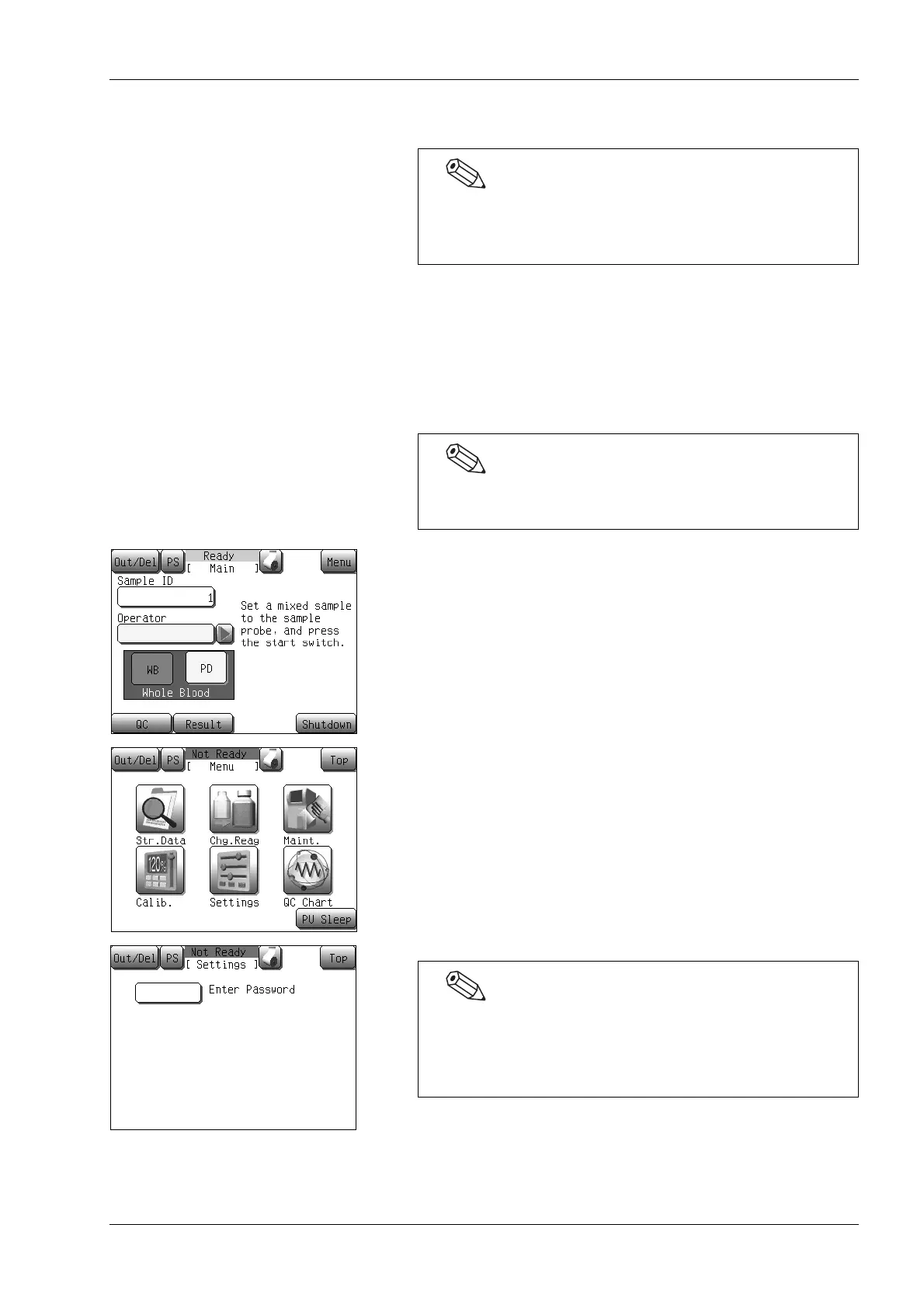
(1) Press the [Menu] button at the Ready status.
The Menu screen will appear.
(2) Press the [Settings] button.
The Settings menu screen will appear.
In this chapter, only the settings relevant to the instrument
installation are described. For details on all possible
settings, see “11. Instrument Setup”.
When time changes to summer or winter time, respectively,
the clock must be corrected manually.
If a password has been set, the password input screen will
appear. Enter the password. No password is set when the
instrument is shipped; the password input screen will not
appear, until a password is set.



 To Next Page