10-4 Sysmex XP-300
Calibration
January 2012
10.4 Automatic calibration
In automatic calibration, 5 or more fresh, normal blood samples are
used for automatic calibration of HGB and HCT values.
Selecting automatic calibration mode and parameters
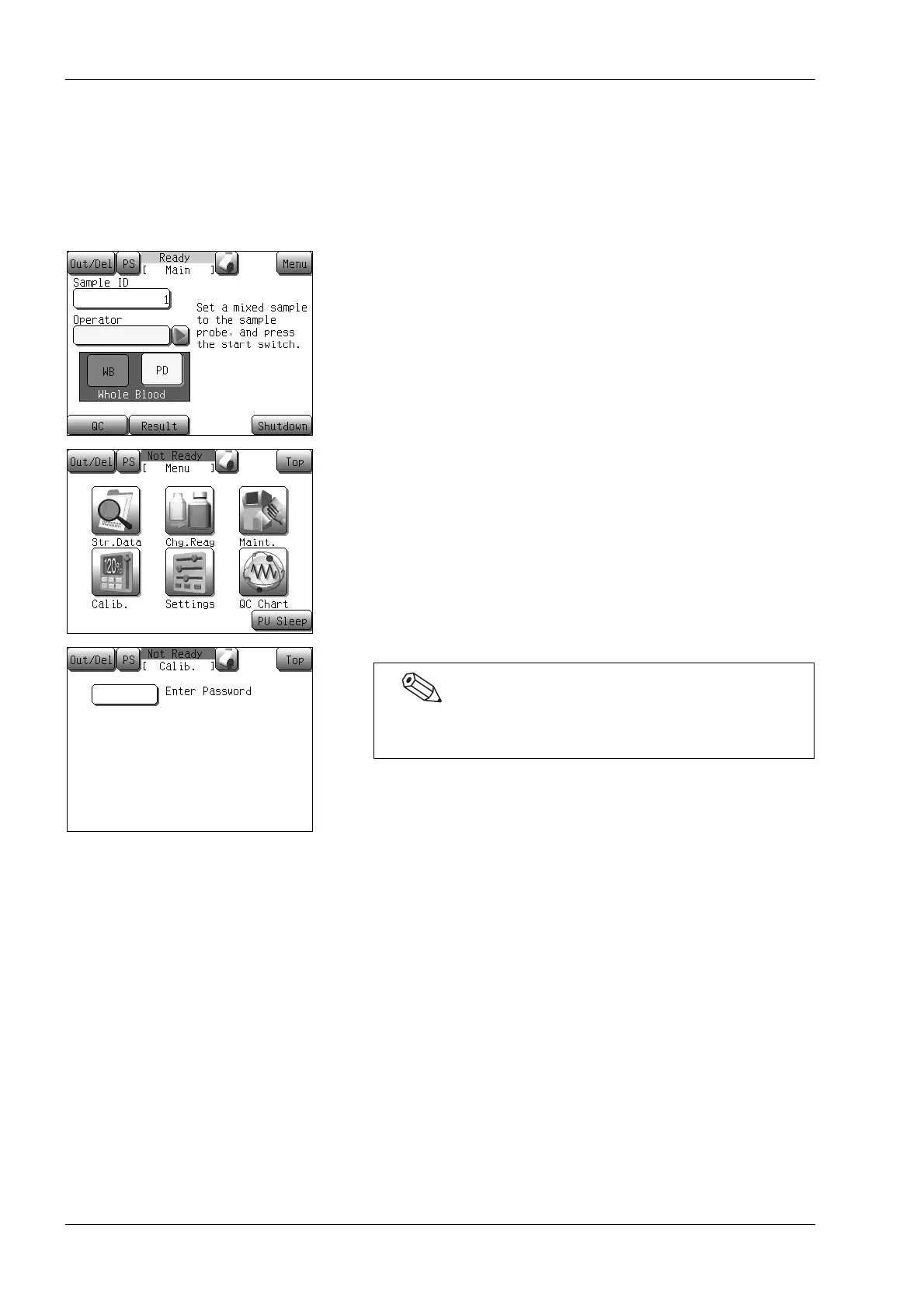
(1) Press the [Menu] button at the Ready status.
The Menu screen will appear.
(2) Press the [Calib.] button.
The calibrating menu screen will appear.
If a password has been set, the password input screen will
appear. Enter the password.



 To Next Page