Sysmex XP-300 12-25
Cleaning and Maintenance
January 2012
12.14 Reset SRV cycle counter
If you have cleaned the SRV other than the time when prompted to
perform periodic maintenance, always reset the SRV cycle counter
manually.
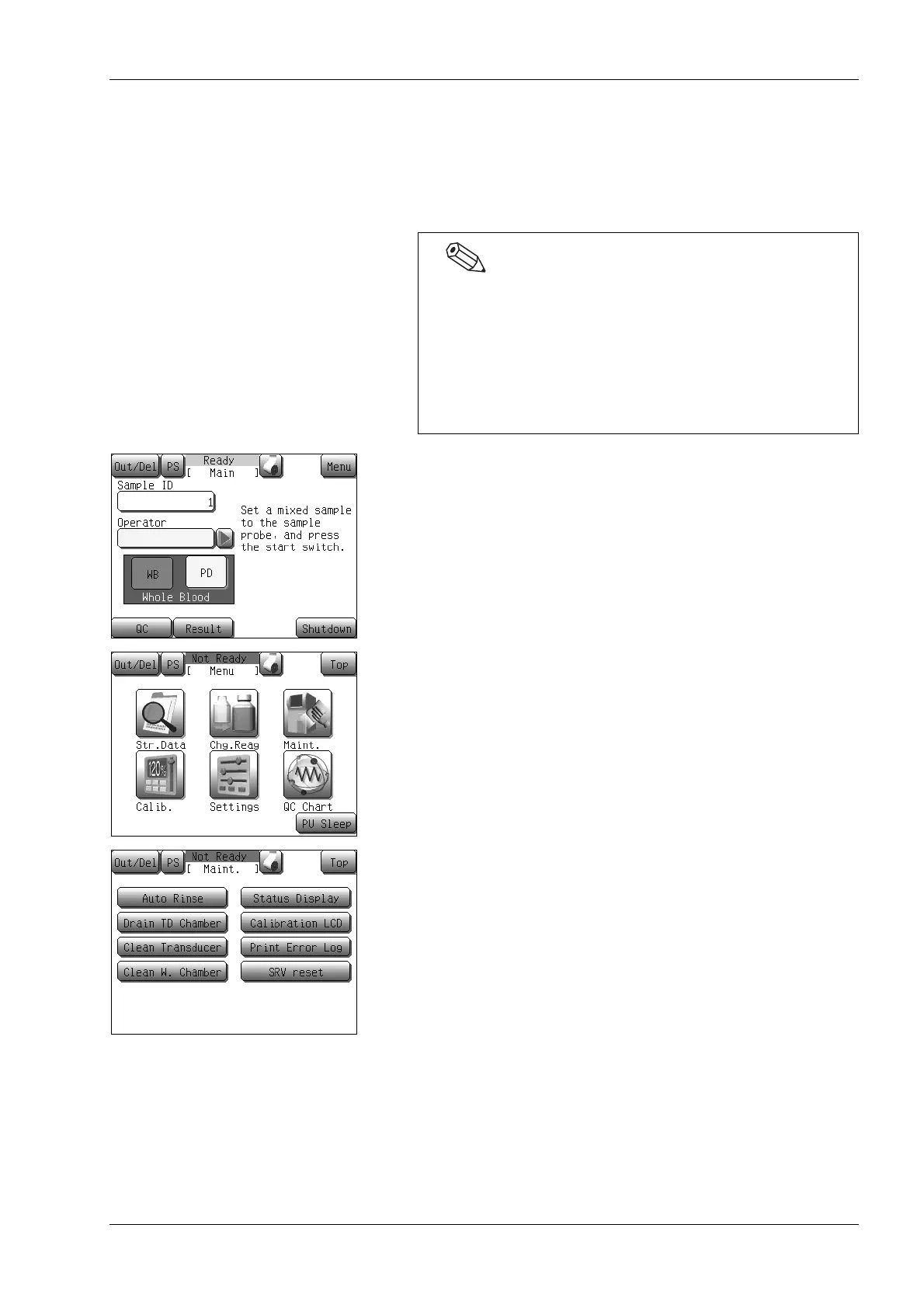
(1) Press the [Menu] button at the Ready status.
The Menu screen will appear.
(2) Press the [Maint.] button.
The maintenance menu screen will appear.
(3) Press the [SRV reset] button.
The SRV reset dialog will appear.
• When the main power switch is turned ON, and if either the
counter value exceeds 4,500 or if 3 months have passed
since the last maintenance, a message will appear
prompting the operator to perform periodic maintenance
(SRV cycle counter reset).
• For details on SRV cleaning methods, see “12.8 Clean
SRV”.



 To Next Page