12-24 Sysmex XP-300
Cleaning and Maintenance
January 2012
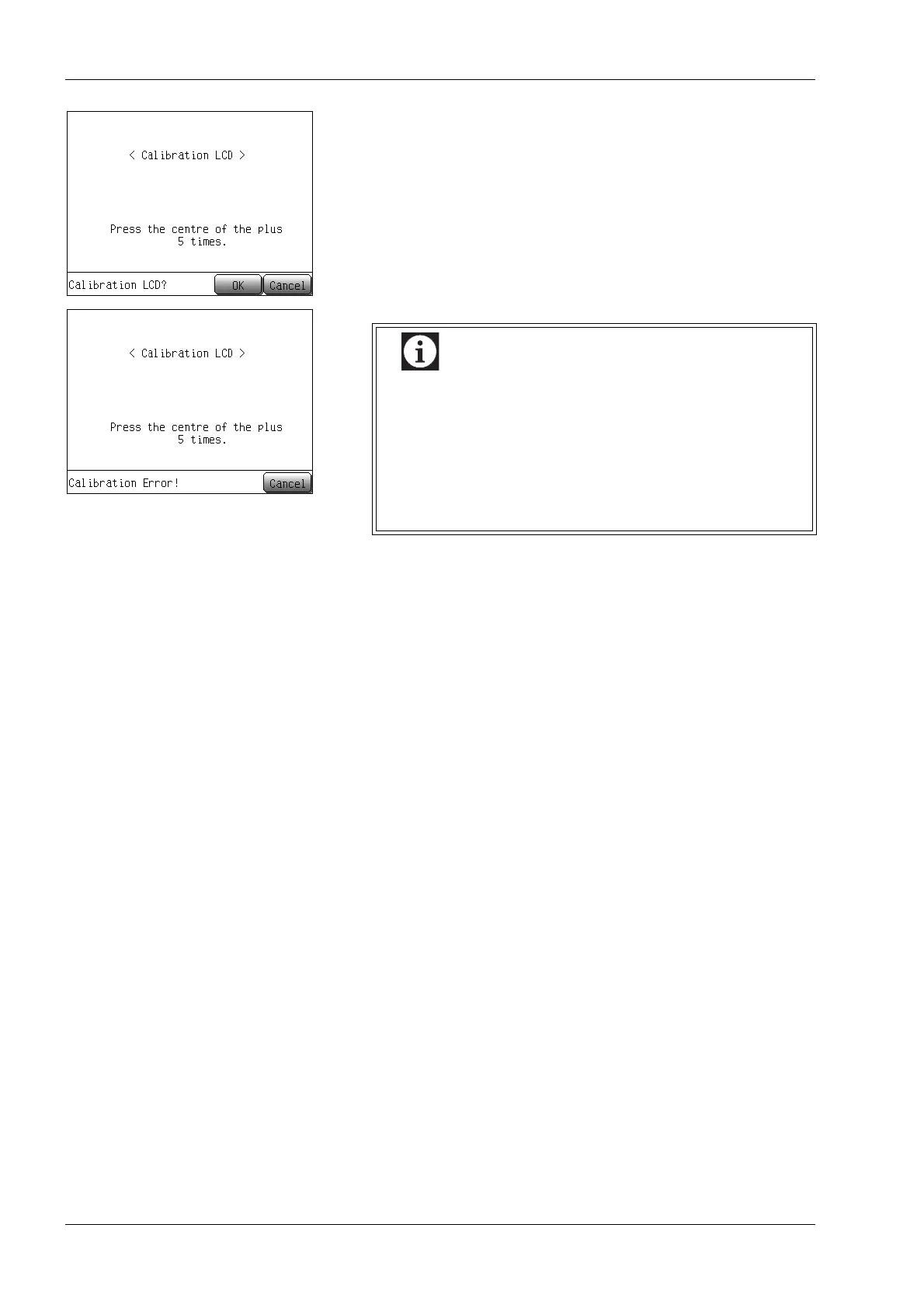
• Press the [OK] button to apply the calibration, and the Main
screen will appear.
• Press the [Cancel] button to return to the Main screen without
applying calibration.
• If the input position was outside a regulated range,
the calibration error message will appear, and the
calibration will be discontinued.
• When calibration is performed and a calibration error
occurs frequently, there may be a problem with the
touch panel. Contact your Sysmex service
representative for further assistance.



 To Next Page