9-28 Sysmex XP-300
Quality Control
Revised March 2012
Deleting data
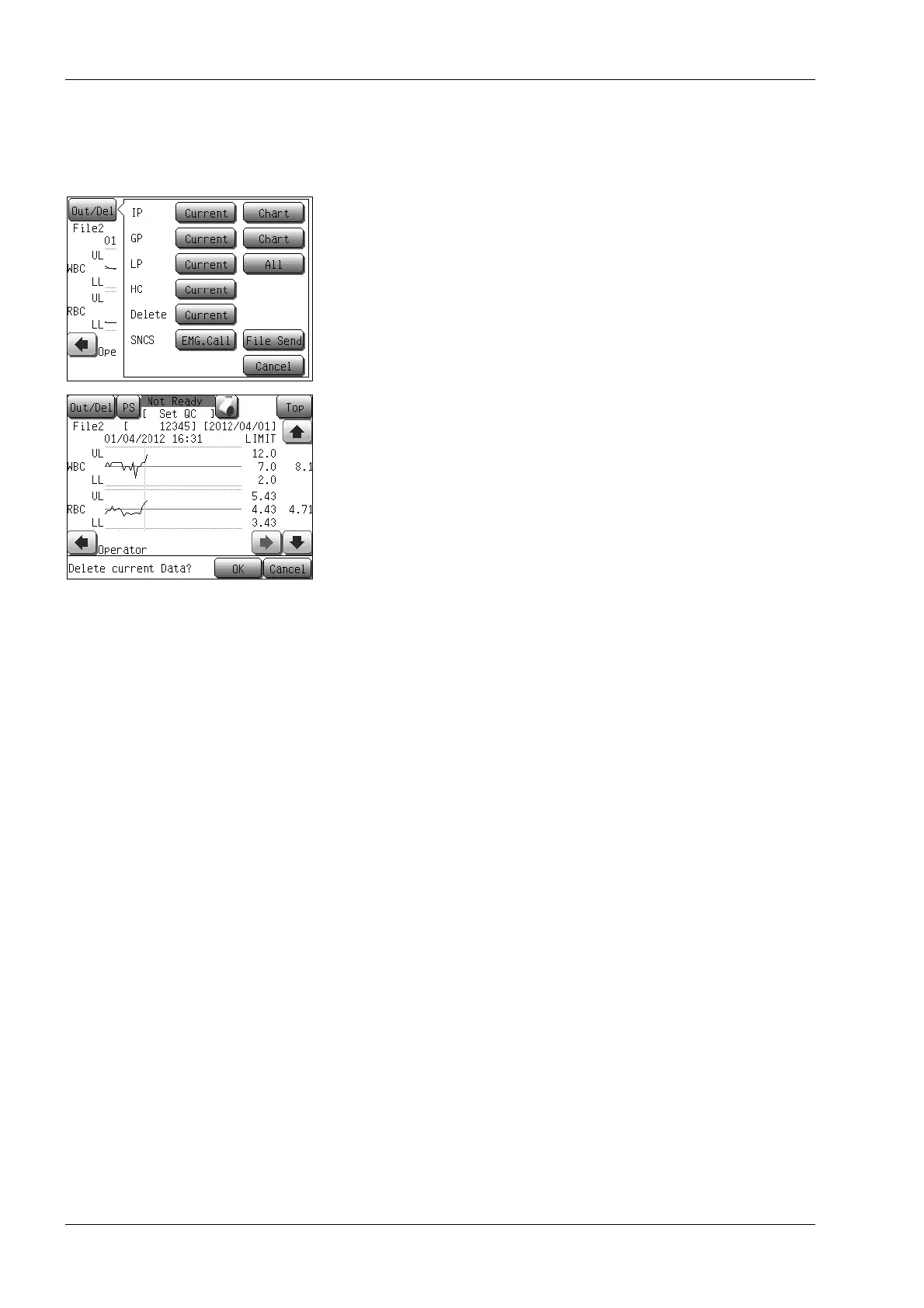
(1) Press the [Out/Del] button in the quality control chart screen.
The output/delete menu dialog will appear.
(2) Press the [Current] button next to “Delete”.
A dialog confirming the deletion of the current control data will
appear.
• Press the [OK] button to delete the data at the cursor
position in the quality control chart and close the dialog.
• Press the [Cancel] button to cancel control data deletion and
return to the previous screen.



 To Next Page