14-12 Sysmex XP-300
Technical Information
Revised July 2013
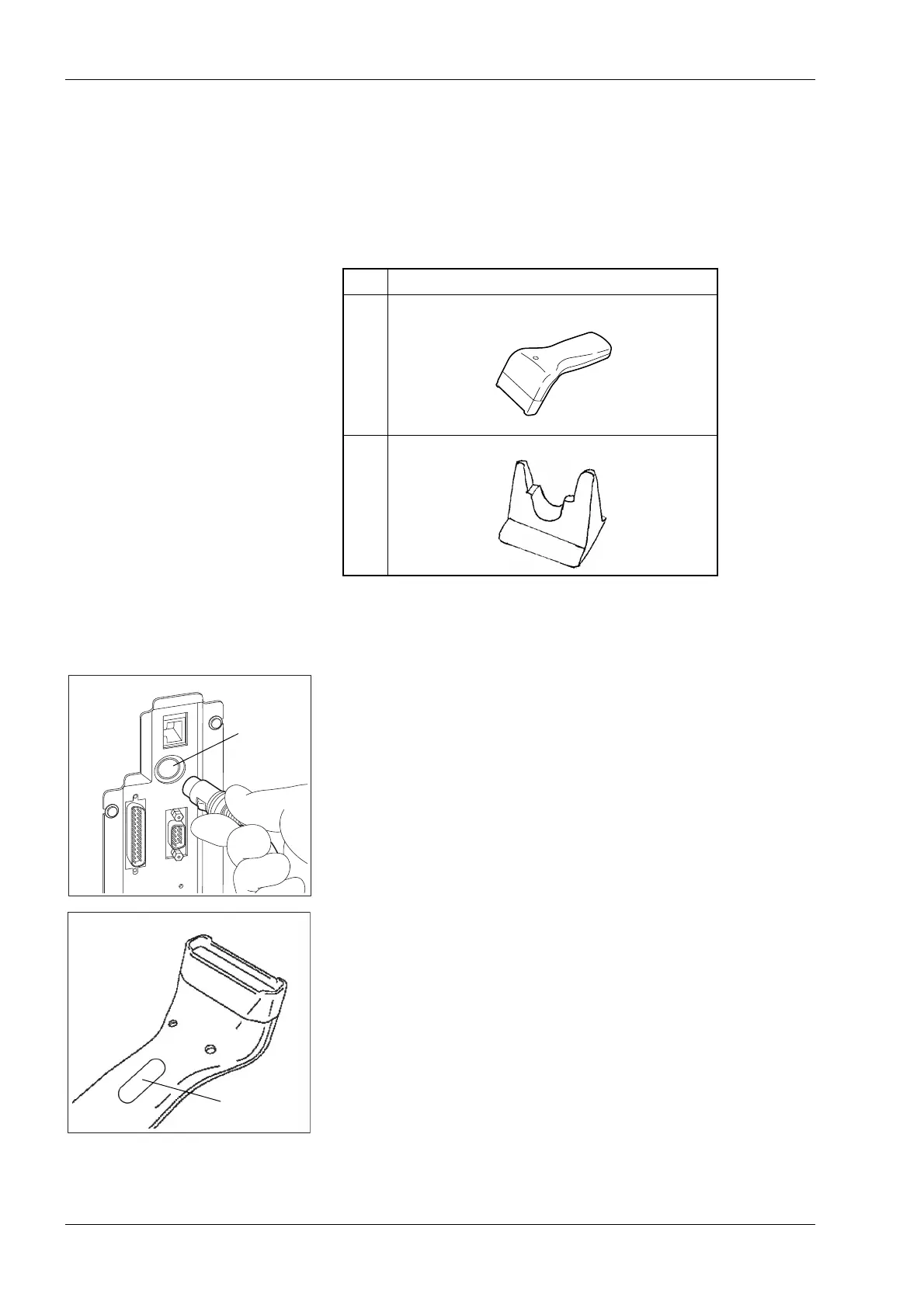
14.4 Connecting the bar code reader
With this instrument, the optional bar code reader scans the bar code
on the sample tube and automatically inputs the sample ID number.
The bar code reader also reads the bar code on the reagent when it is
replaced.
Connection procedure
(1) Turn the main power switch OFF.
(2) Insert the other end of the connection cable into the bar code
reader connector port at the back of the instrument.
(3) Turn the main power switch ON.
Press the trigger switch and check that the red LED is ON.
No. Explanation
1 Bar code reader unit
2 Desk-top holder for the bar code reader
Bar code
reader
connector
port



 To Next Page