8-6 Sysmex XP-300
Display and Output of Analysis Results
Revised April 2012
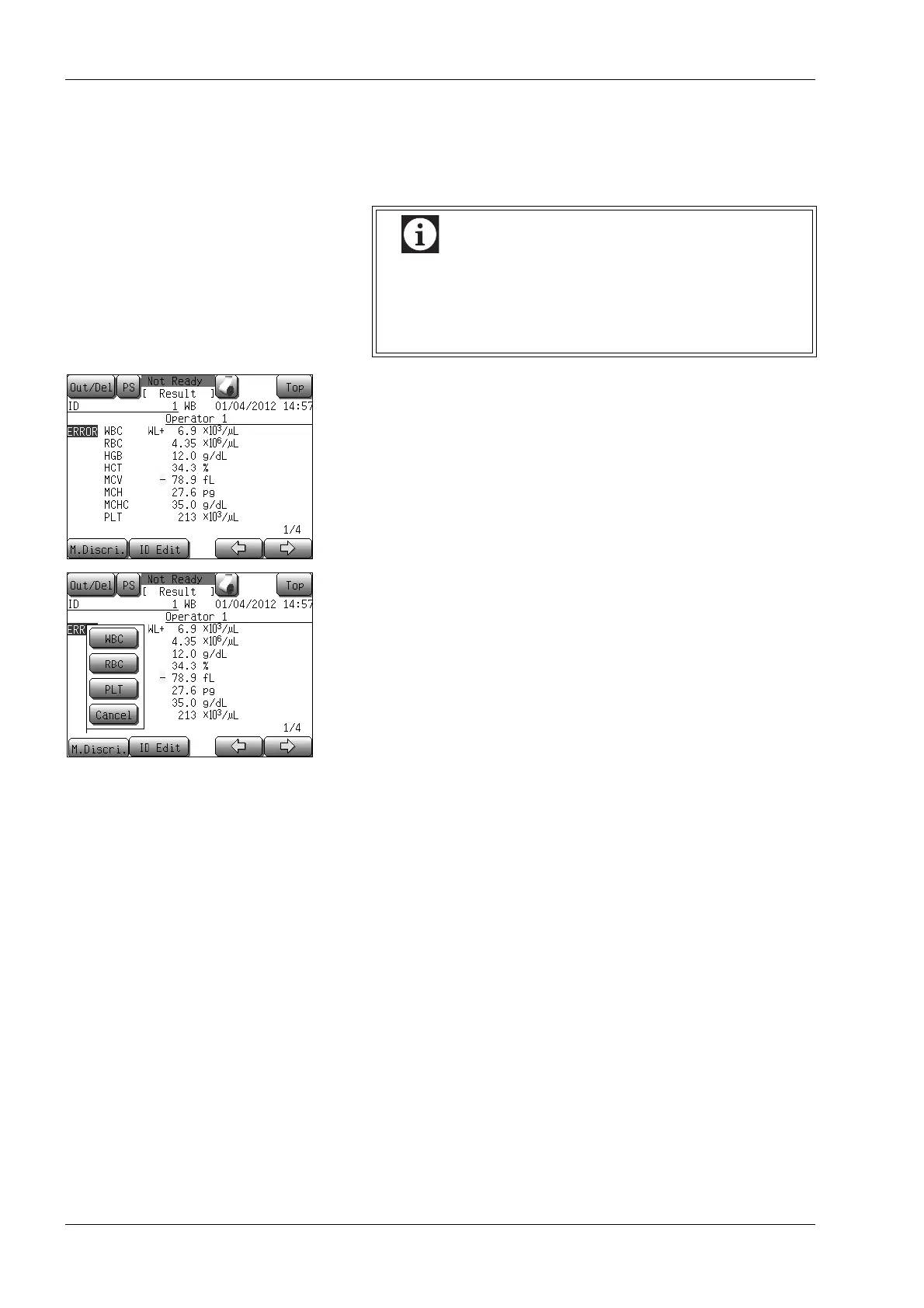
Manual discrimination
This menu allows relocation of particle distribution discrimination
position and re-calculation of data.
(1) Press the [M. Discri.] button on the analysis result screen.
The manual discrimination parameter selection dialog will
appear.
(2) Press the [WBC], [RBC] or [PLT] button to select a desired
particle distribution for the manual discrimination.
The manual discrimination screen for the selected particle
distribution will appear.
• Press the [Cancel] button to return to the analysis result
screen.
• Manual discrimination can be performed only on the
latest sample.
• Manual discrimination cannot be performed on the
data with sample number 0.



 To Next Page