7-26 Sysmex XP-300
Sample Analysis
Revised July 2012
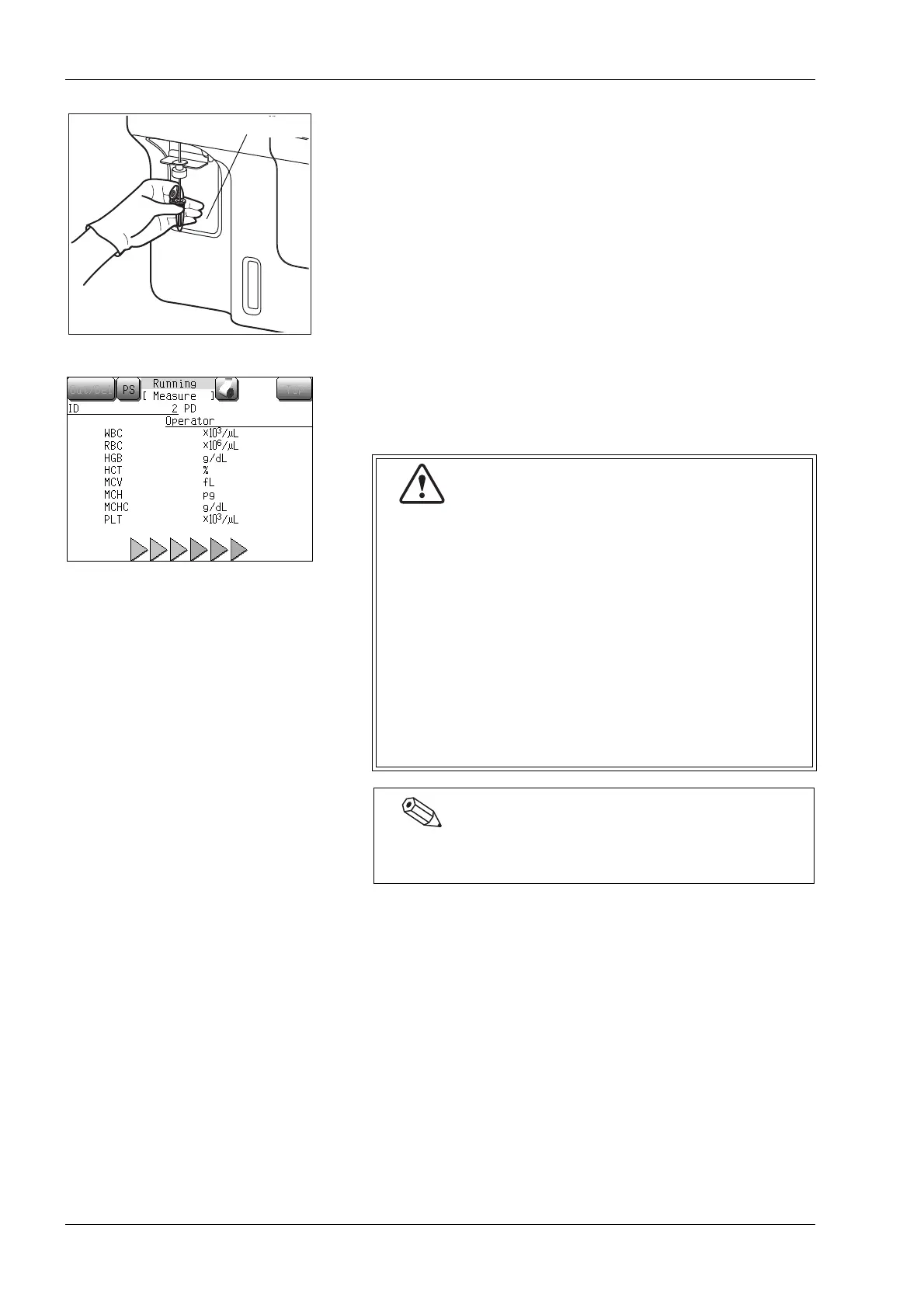
(4) Set the micro tube to the sample probe, and in that condition,
press the start switch.
The analysis starts, the status display indicates [Aspirating].
When sample aspiration is completed, status display
[Aspirating] changes to [Running]. When [Running] is
displayed, the sample can be removed safely.
The analysis results for all parameters are displayed about 60
seconds after starting the analysis.
• Do not remove the sample from the sample probe
while [Aspirating] is displayed. If the sample is
removed from the sample probe while [Aspirating]
is displayed, a correct analysis result may not be
obtained.
• Single beep sounds (beep, beep, beep, …) continue
while aspirating. When aspiration ends, short beep
sounds twice “beep, beep” and the rinse cup lowers
several seconds after [Running] appears on the
screen. Remove the micro tube by that time.
• To remove the micro tube, lower it straight down.
Take care not to bend the sample probe.
The sample probe is automatically rinsed, so there is no
need to wipe it clean.



 To Next Page