Sysmex XP-300 7-25
Sample Analysis
Revised July 2012
Analyzing samples
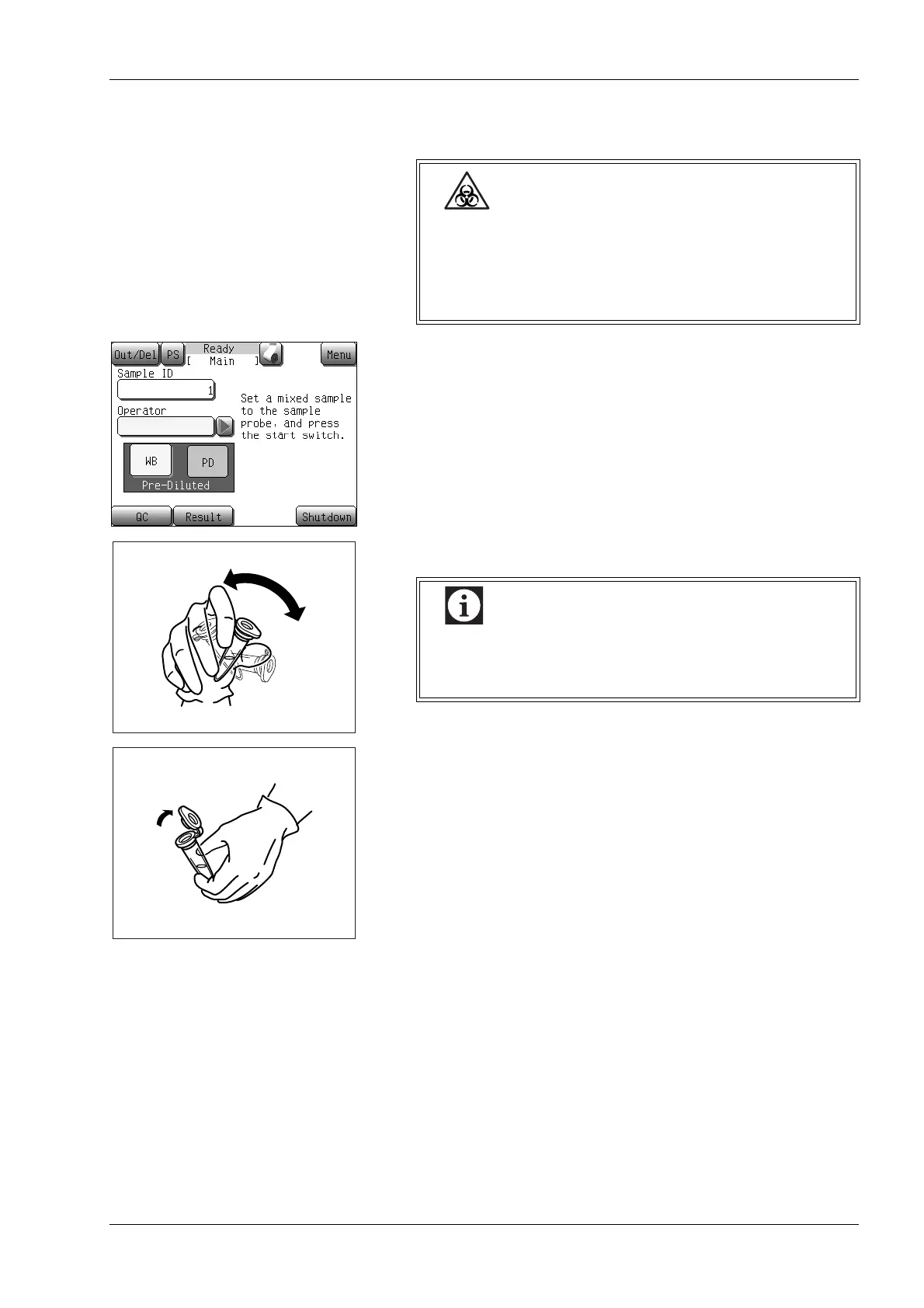
(1) Make sure that [Ready] is displayed on the instrument status
indicator at the top of the display area and the analysis mode is
set to PD-mode.
(2) Mix the sample well by inverting the micro tube.
(3) Remove the cap while taking care not to allow blood scatter.
Wear protective garments and gloves when
performing sample analysis. After completion of work,
wash hands with disinfectant. If your hands are
contaminated by blood, etc., infection of bacteria can
occur.
Vigorously mixing the sample can damage blood cells
and cause bubbles to form in the sample. If this
occurs, correct analysis results may not be obtained.



 To Next Page