9-26 Sysmex XP-300
Quality Control
Revised October 2012
Display items in quality control chart screens
[Out/Del]: Prints or deletes the quality control data. For details, see “Printing control
chart”, “External output” and “Deleting data” in “9.7 Quality control
chart screen”.
[↑]: Changes the screens in the following order; “First chart screen” →
“Eleventh chart screen” → ... → “Second chart screen” → “First chart
screen”.
[↓]: Changes the screens in the following order; “First chart screen” →
“Second chart screen” → ... → “Eleventh chart screen” → “First chart
screen”.
[←]: Moves the control chart cursor (vertical line) to the previous plot and
updates the data and date/time accordingly. When the cursor is located at
the left end of the chart, the button is not operative.
[→]: Moves the control chart cursor (vertical line) to the next plot and updates
the data and date/time accordingly. When the cursor is located at the right
end of the chart or on the latest plot, the button is not operative.
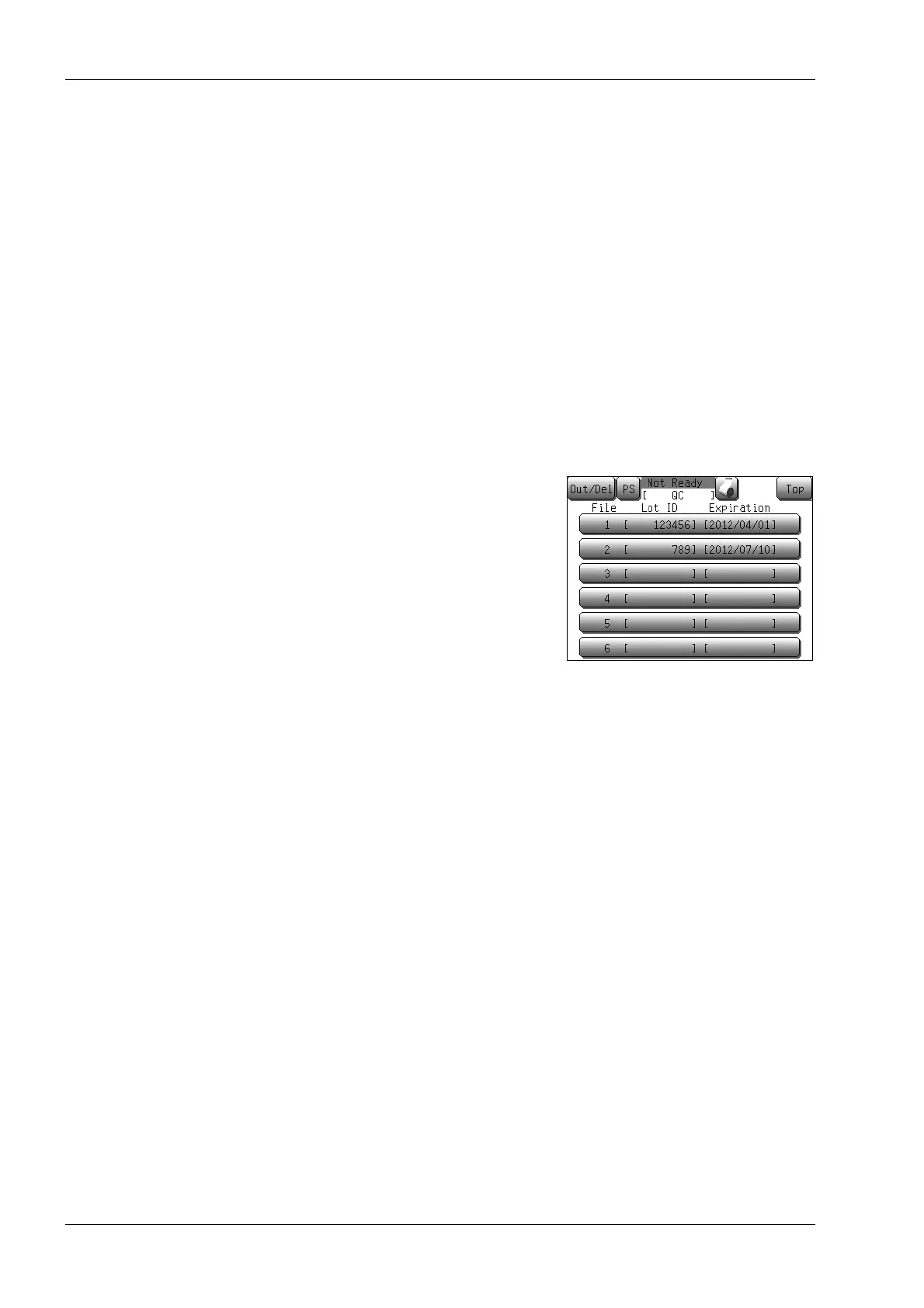
[QC File]: Displays the quality control file
selection screen.
Press the display column of each
file to display the corresponding
quality control chart screen.
[Setup]: Displays the first quality control file setting screen of the file that is
currently displayed.
Lot ID: Displays the lot ID number.
Expiration date: Display the expiration date.
Date and time of analysis: Displays the analysis date/time for the selected data.
Item: Displays the analysis parameters.
Chart: Displays up to 60 points of quality control data.
If the number of data is less than 60, all data are displayed in order from
the left end.
If the operator calls up another parameter by using the [↑] or [↓] button,
the same range of the data are displayed for that parameter.
Operator ID: Displays the operator ID of the analysis.



 To Next Page