11-2 Sysmex XP-300
Instrument Setup
Revised July 2012
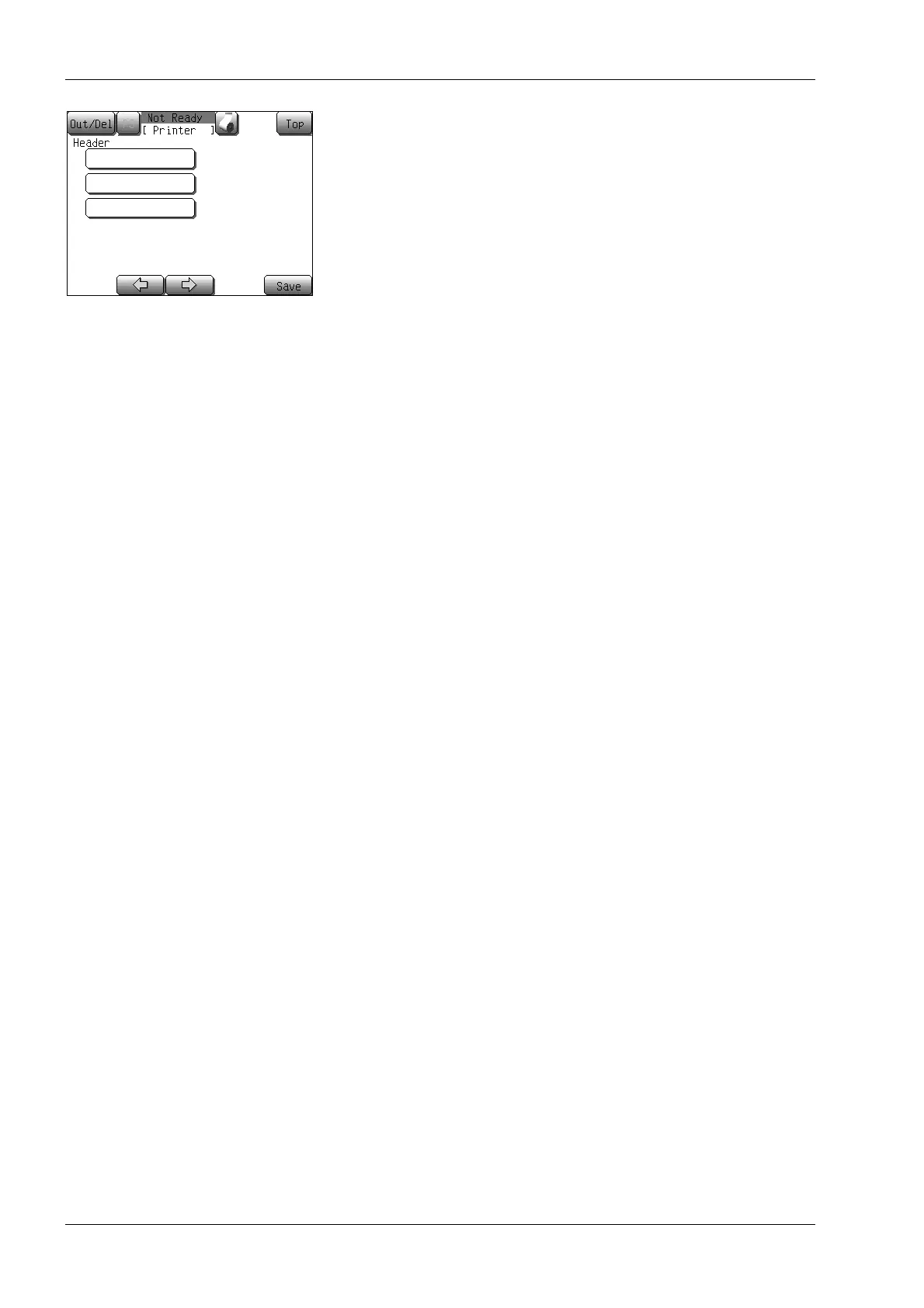
(4) Change the setting, and press the [Save] button.
The setting storing confirmation dialog screen will appear.
• Press the [OK] button to update the changed settings and to
return to the Main screen.
• Press the [Cancel] button to close the dialog, and the setting
can be continued.
*Press the [Top] button to display the setting cancel
confirmation dialog.
Press the [OK] button to return to the Main screen without
changing any setting, and the [Cancel] button to close the
dialog and then to continue the setting.



 To Next Page