12-8 Sysmex XP-300
Cleaning and Maintenance
Revised July 2012
(4) Close the transducer cover.
(5) Close the front cover of the main unit.
(6) Press the start switch.
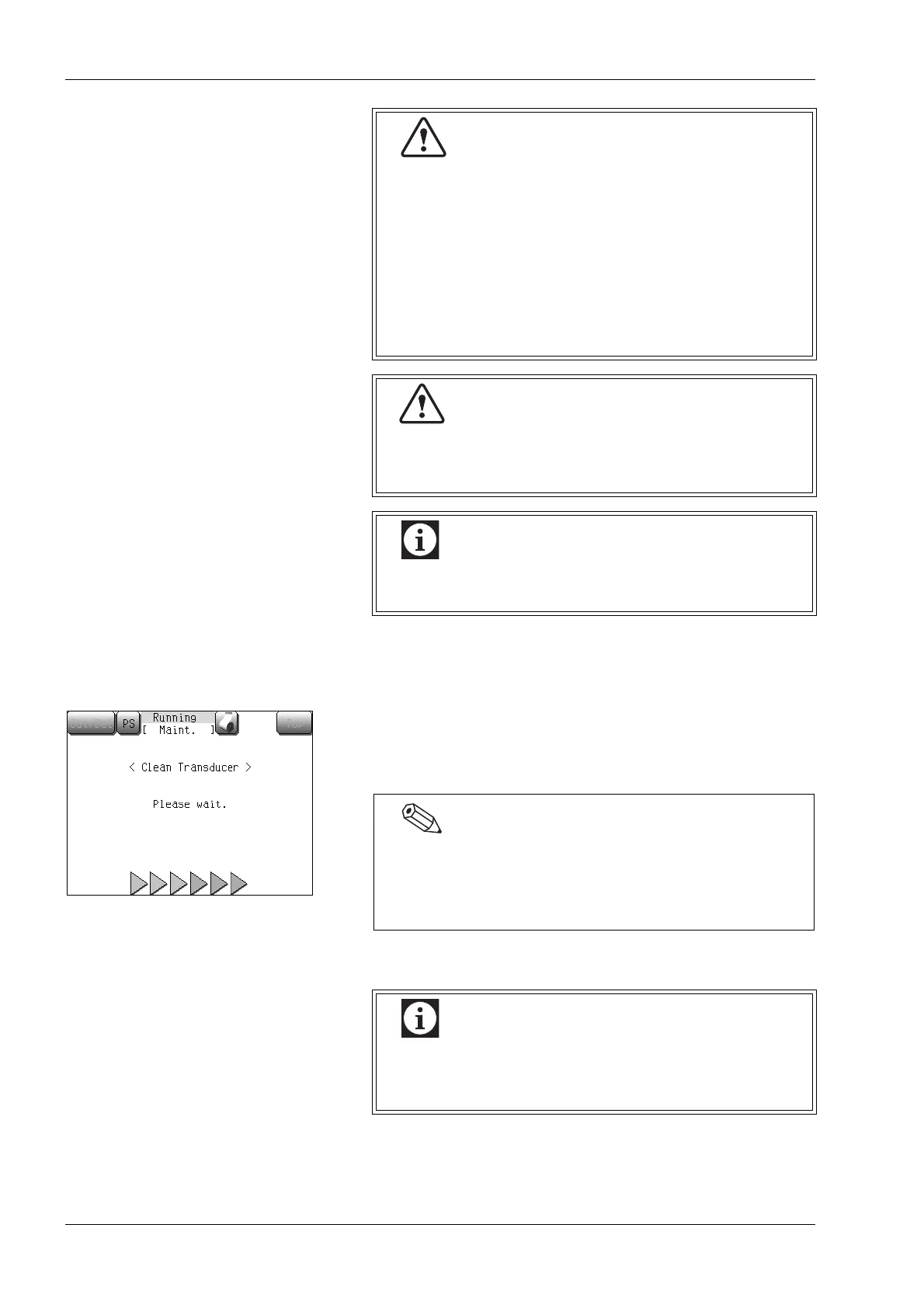
Cleaning TD will be executed, and the cleaning TD screen will
appear.
Then, Auto Rinse and background check will be performed.
After completion of TD cleaning, the Main screen will appear.
• Do not press the start switch while pouring
CELLCLEAN into the TD chamber. Otherwise, there
is a risk of electric shock.
• CELLCLEAN is a strong alkaline cleaning solution.
Do not mix it with any acidic substances. Also, it
should not come in contact with skin or clothing. If
the skin or clothes should come in touch with it, flush
it away using plenty of water. Otherwise, it can
damage the skin or clothes.
Do not pour more than 1 mL of detergent
(CELLCLEAN) into the chamber. It may overflow,
possibly causing electric shocks or leakage.
Take care not to have detergent (CELLCLEAN)
adhere to the chamber side wall.
When executing the TD cleaning from the maintenance
menu screen, the TD cleaning starting screen will be
displayed after the preprocessing sequence is executed.
Then press the start switch.
When the cleaning is performed, the detector counter
(number of cycles since last cleaning of TD) is
automatically reset.



 To Next Page