Sysmex XP-300 12-37
Cleaning and Maintenance
Revised April 2012
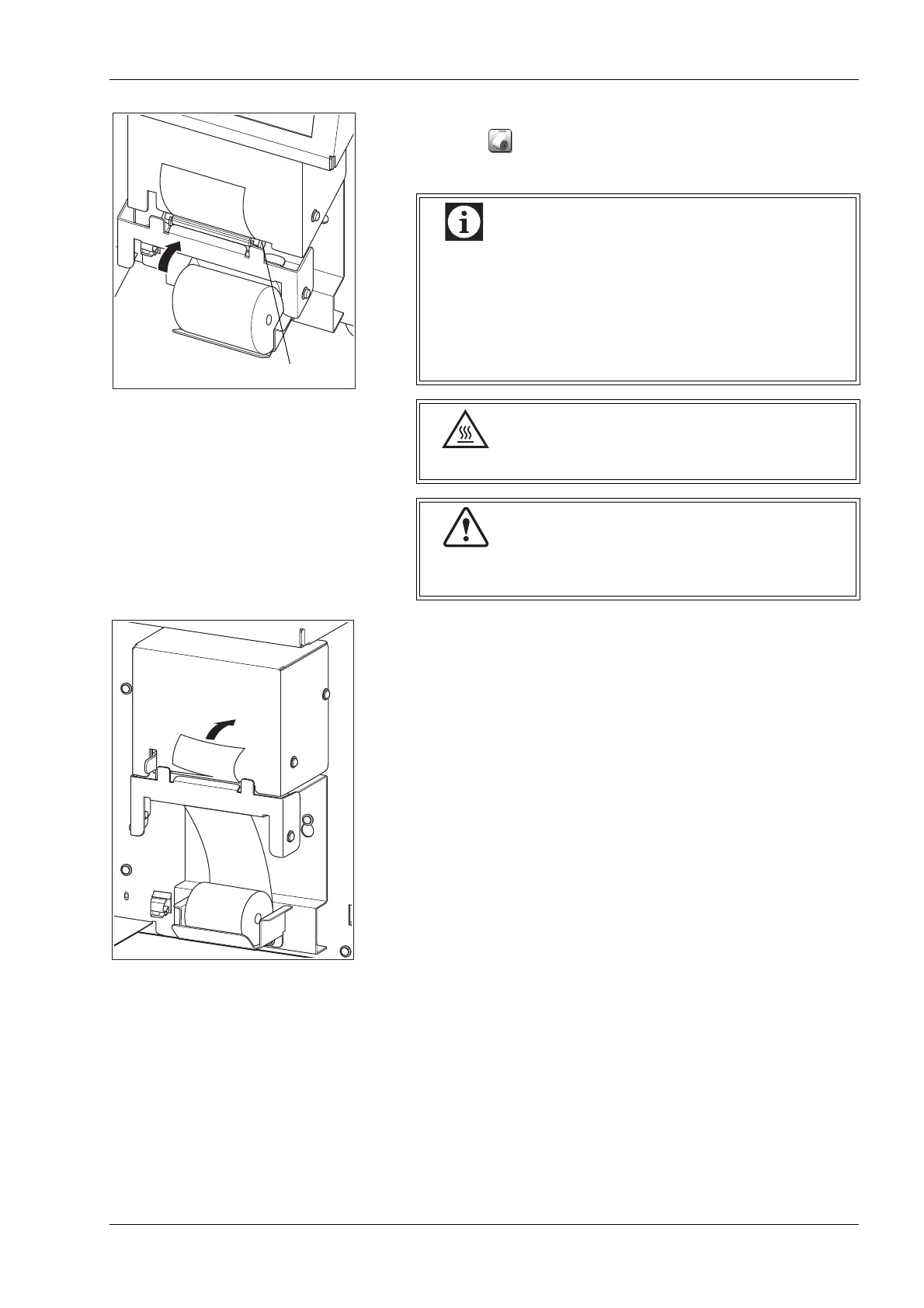
(5) Push the printer cover back in position until it locks.
Press the button (paper feed button) to confirm that the
printer paper is fed correctly.
(6) Cut off any printer paper extending from the upper part of the
printer.
(7) Close the front cover of the main unit.
• Be sure to set the printer paper straight in the right
direction. If the printer paper is crooked, the paper
may jam.
• Make sure the printer cover is securely closed.
If the cover is not securely closed, a printing error or
incorrect output may result.
The printer head becomes hot. Use caution.
Static electricity may damage the printer head. Do not
touch with hands.



 To Next Page