www.trilithic.com
Page IV-3
180 DSP Operation Manual
Signal Level Meter
Overview
Chapter 1
Introduction
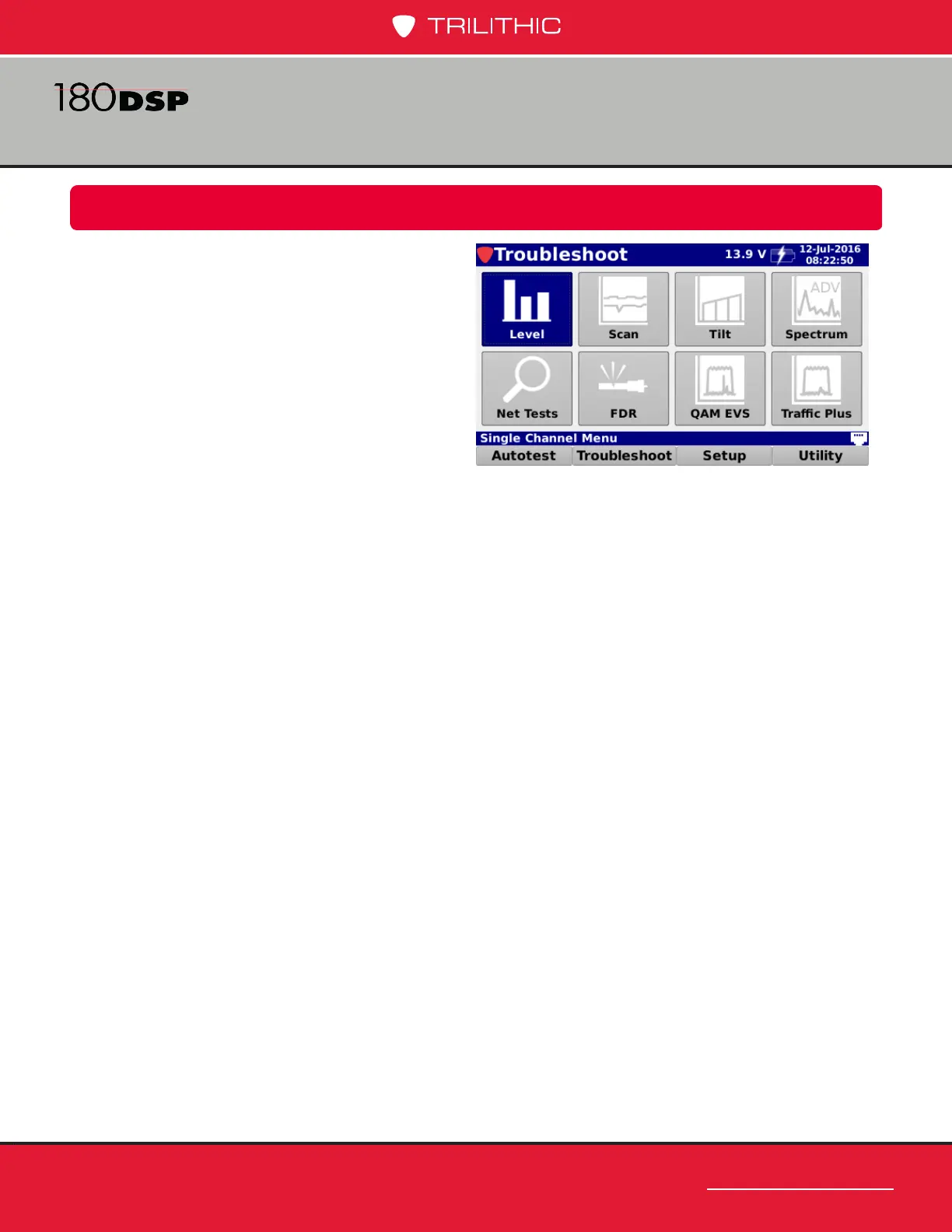
Select the Troubleshoot softkey to display
the Troubleshoot menu as shown in the
image to the right. The 180 DSP enables you
to troubleshoot installation issues using the
functions within this menu.
This section will provide you with instructions
on how to utilize the functions available in
the Troubleshoot menu of the instrument
including:
• Level Measurement
• Analog & Digital Hum (OPTIONAL)
• Channel Plan Scan
• Tilt Measurement
• Spectrum Analysis
• Return Spectrum Analysis - 4 to 110 MHz
• Forward Spectrum Analysis - 5 to 1250 MHz (OPTIONAL)
• Network Testing Suite
• Frequency Domain Reectometer (OPTIONAL)
• QAM Error Vector Spectrum Analysis (OPTIONAL)
• Trafc Control Plus (OPTIONAL)



 To Next Page