www.trilithic.com
Page II-13
180 DSP Operation Manual
Signal Level Meter
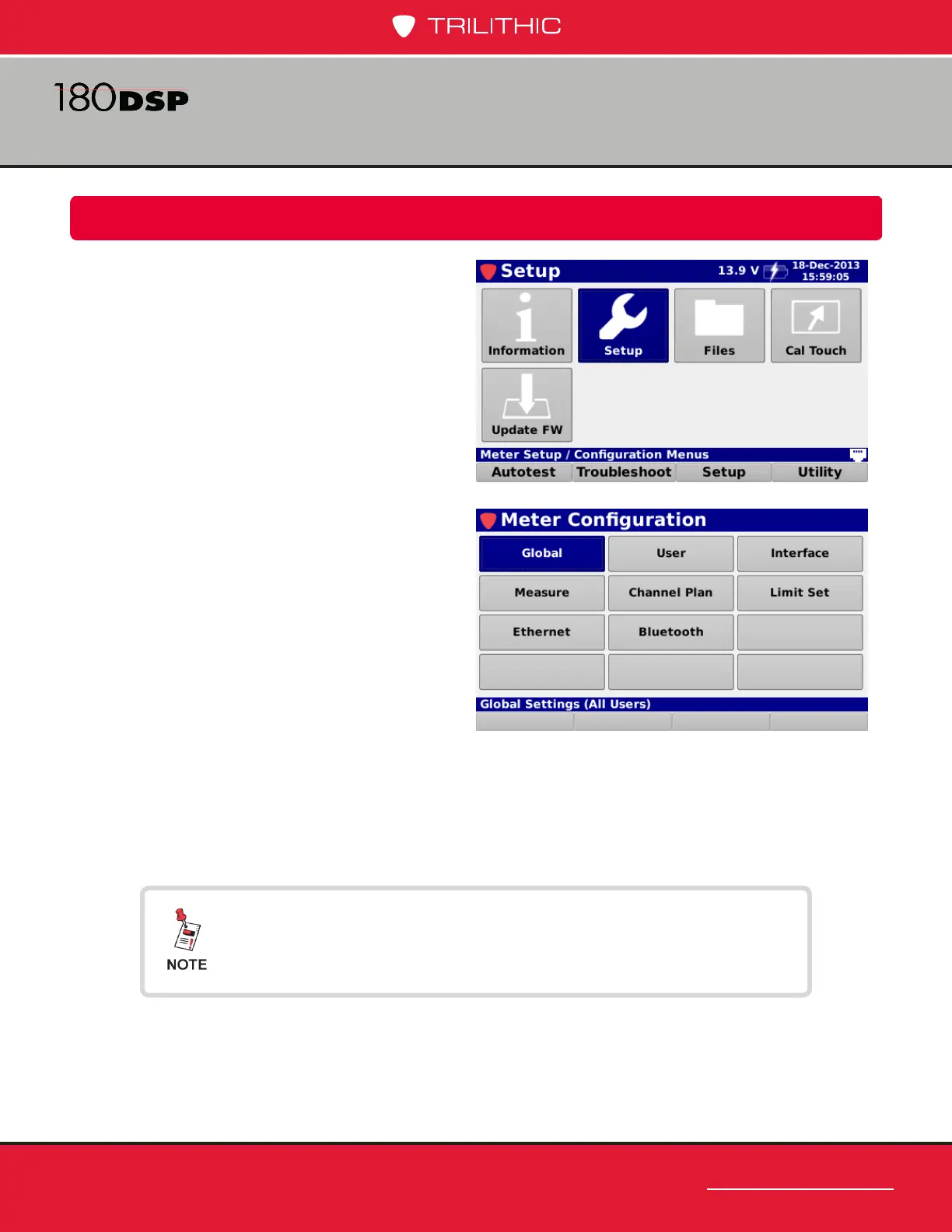
The Meter Conguration screen will be
displayed as shown in the image to the
right. This screen allows you to modify the
following types of settings:
• Global
• User
• Interface
• Measurement
• Channel Plan Management
• Limit Set Management
• Ethernet
• Bluetooth (OPTIONAL)
Meter Conguration
Chapter 3
Overview
Select the Setup icon as shown in the image
to the right to adjust the meter conguration
of the 180 DSP.
All changes that are made in this mode are automatically
saved and optional items will be grayed out and cannot be
congured if they are not installed in the 180 DSP.



 To Next Page