www.trilithic.com
Page II-3
180 DSP Operation Manual
Signal Level Meter
Introduction
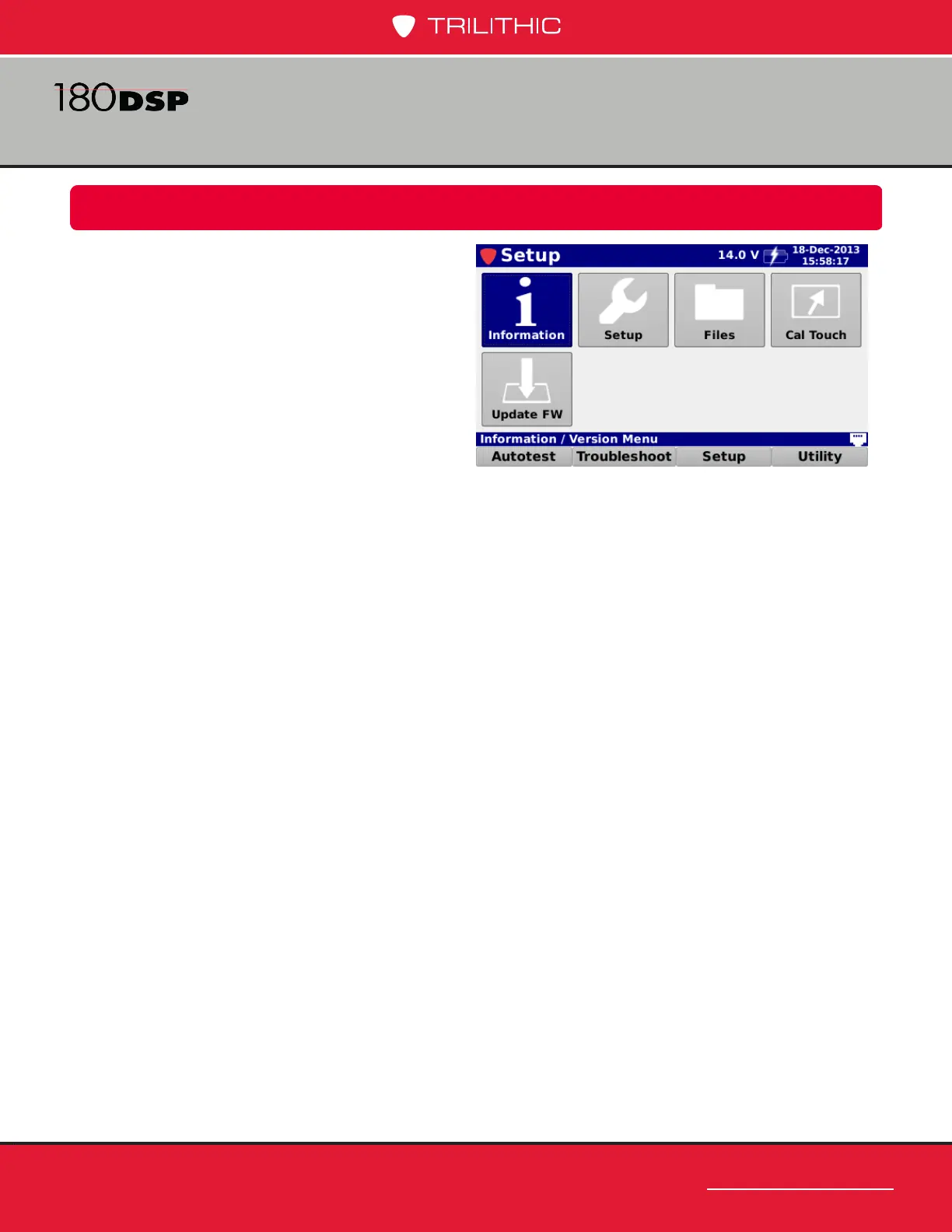
Select the Setup softkey to display the Setup
menu as shown in the image to the right.
The 180 DSP enables you to select from
numerous instrument setup functions. These
functions allows you to view, edit, and adjust
information and setup parameters for the
meter.
This section will provide you with instructions
on how to utilize the functions available in the
Setup Menu of the instrument including:
• Instrument information
• Meter conguration
• File management
• Touchscreen calibration
• Firmware updates
Overview
Chapter 1



 To Next Page